


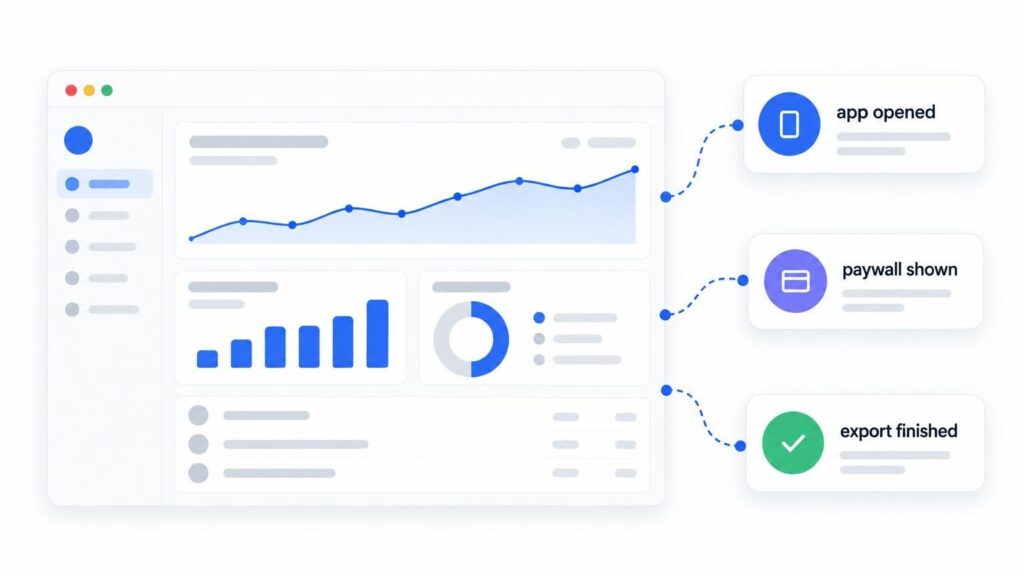
Most app teams collect far more data than they use. A typical analytics setup gives every user an ID, follows that person across sessions, and builds a profile that grows for years. Then the team opens the dashboard and looks at three things: how many people used the app, which features they touched, and where they dropped off.
Those questions do not need a profile of anyone. Privacy-first product analytics counts what happens inside an app without knowing who did it. For many app brands that is enough to make good product decisions, and it removes a lot of legal work and trust risk at the same time.
This guide explains what you can measure without tracking users, what you give up, and how to set it up in a few weeks.
What privacy-first analytics means
Traditional product analytics is built around the person. Each event is tied to a persistent identifier, such as an advertising ID, a device ID, or a cookie, so the tool can rebuild one user’s path through the product over weeks or months.
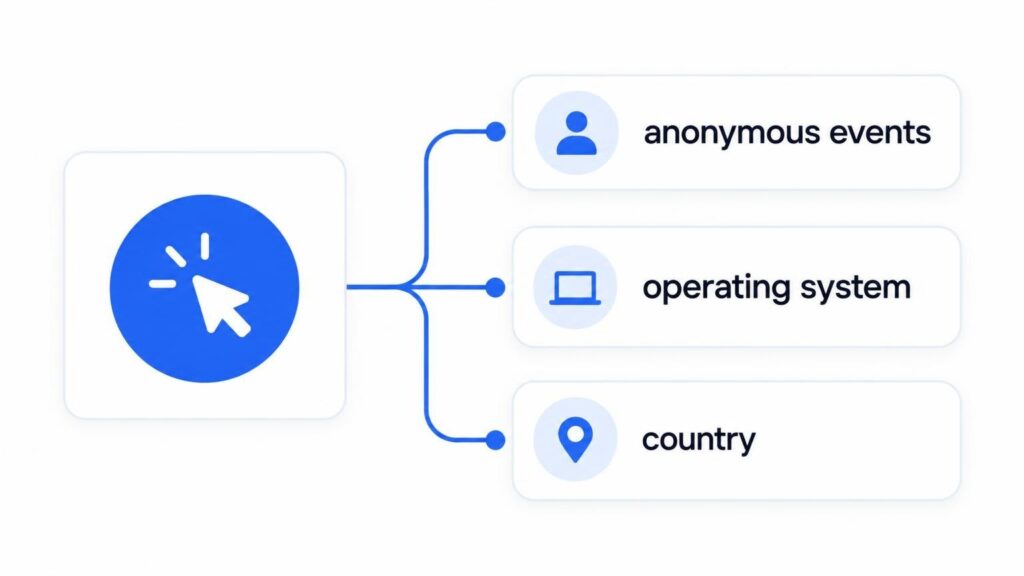
Privacy-first analytics is built around the event. The app sends anonymous events such as “app opened”, “export finished”, or “paywall shown”, with a few broad properties: app version, operating system, country. There is no personal data, no identifier shared with other apps, and no profile that follows someone around.
The difference shows up in three places:
- European rules such as the GDPR and the ePrivacy Directive generally require consent before an app stores or reads identifiers on a person’s device. Analytics that does neither often removes the need for a consent prompt. Requirements differ by country, so check with your own legal counsel.
- App store labels. Apple asks developers to declare what data they collect and whether it is linked to the user (App Privacy details). Less data means a shorter and friendlier label on your store page.
- People read those labels. “Data not linked to you” says more about a brand than any line in a privacy policy.
What you can still measure
Anonymous event data answers most of the questions product teams ask every week.
Usage and growth
You can count sessions and events per day, week, and month, and split them by app version, platform, and country. That shows whether a release lifted activity, whether Android is catching up with iOS, or whether a new market is starting to grow.
Feature adoption
Send one event when a person does something that matters: creates a project, shares a file, turns on a setting. Compare those counts with the number of sessions, and you see which features carry the product and which ones nobody finds.
Funnels, step by step
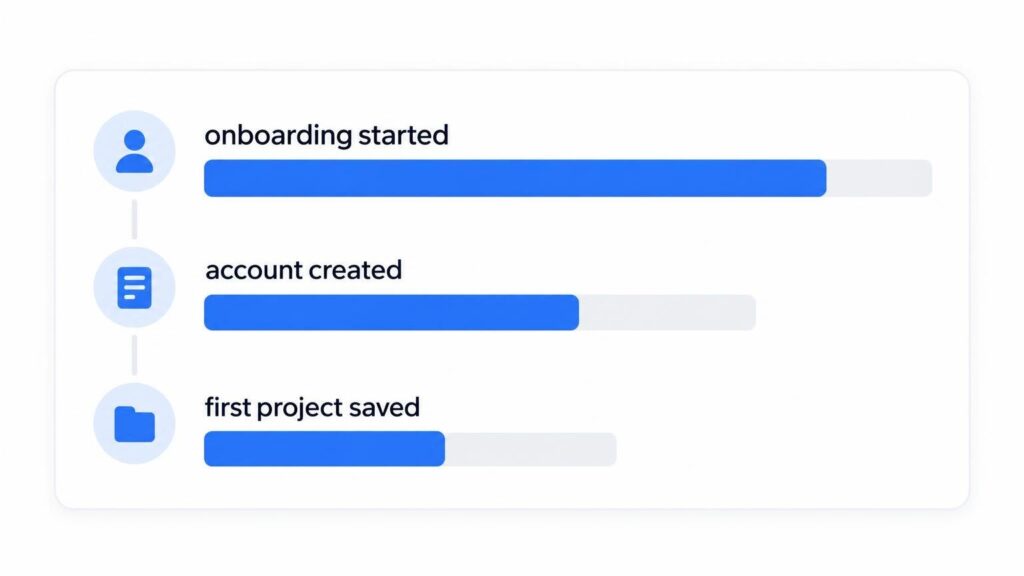
Count the events at each step of a flow: “onboarding started”, “account created”, “first project saved”. The drop between two steps shows where people give up. You do not need to follow individuals to see that half of them stop at the sign-up screen.
Quality and performance
Crashes, errors, slow screens, and failed purchases can all be events with the app version and the operating system attached. For many teams this is the most useful data they have, because it points straight at the release or the device that needs a fix.
Release impact
Put two weeks of event counts before a release next to two weeks after it. If “export finished” goes up and “export failed” goes down, the release worked. No user profile is needed for that comparison.
What you give up
Privacy-first analytics is a trade-off, and it helps to be honest about it.
- Long individual journeys. You cannot follow one person from the first install to the tenth month.
- Per-user debugging. You cannot look up what a specific user did before a crash.
- Cross-app ad attribution. Measuring which ad on which network brought which user depends on identifiers that this approach leaves out.
- Personalization from history. Recommendations based on a person’s past behavior need that history.
Before you treat one of these as a blocker, ask whether you need it for every user. A short in-app survey, a support conversation, or an opt-in beta group can often answer the same question with the user’s knowledge.
How to design events that respect privacy
Good event design matters more than the tool you pick.
- Start with decisions, not events. Write down the five to ten product decisions you expect to make this quarter, then the number that would settle each one. Only track what feeds those numbers.
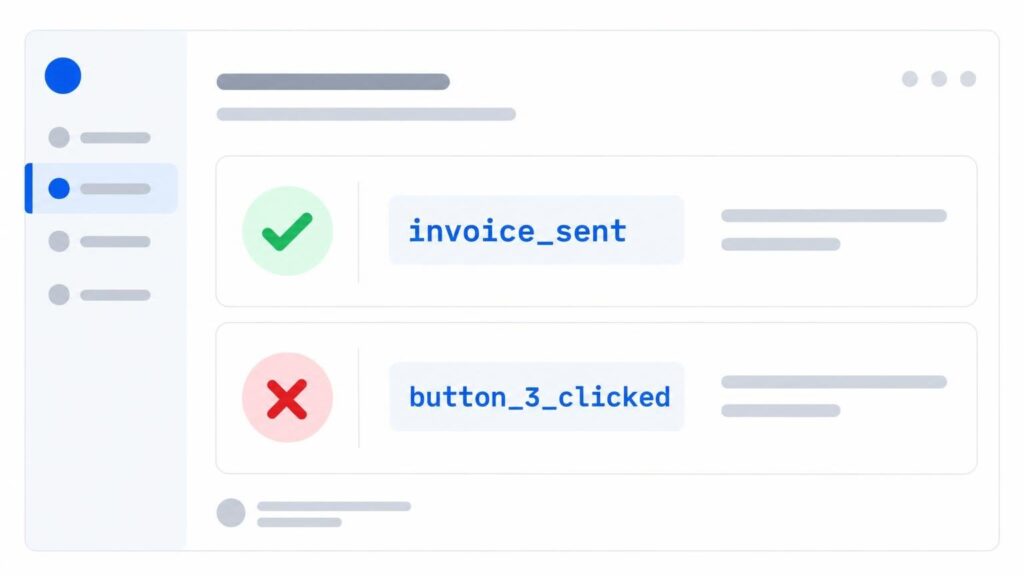
- Name events after actions. “invoice_sent” tells you something a year from now. “button_3_clicked” does not.
- Keep properties broad. Plan type, app version, operating system, and screen name are fine. Email addresses, names, free text, and precise location are not.
- Do not bring identifiers back in. A user ID or a hashed email stored as an event property turns anonymous data into personal data again.
- Review the list each release. Remove the events nobody has looked at. Every event you drop is data you never have to protect.
Choosing a privacy-first analytics tool
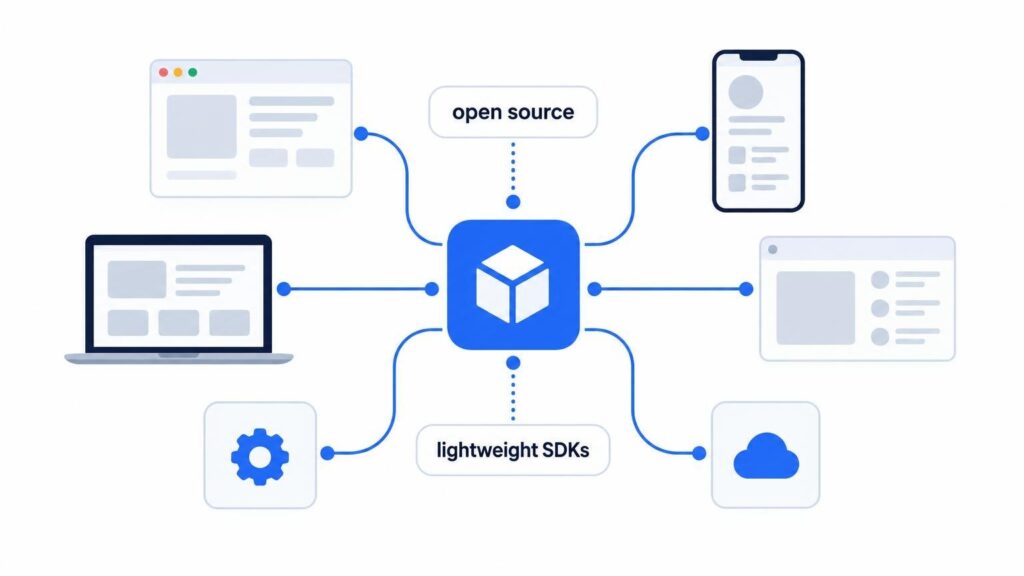
Most privacy-focused analytics products were built for websites. App teams need SDKs for the platforms they ship on, and that narrows the list.
Aptabase is one option built for apps rather than websites. It is open source (the server under the AGPL-3.0 license, the SDKs under MIT), collects no personal data, and uses no cookies or device identifiers, so it needs no consent banner. It has lightweight SDKs for 17 platforms, including mobile, desktop, web, game engines, Python, and C++. A free tier covers up to 20,000 events a month, which is enough for many indie apps and early products.
Whatever you choose, check four things:
- What is collected by default. Read the documentation for IP addresses, device IDs, and anything stored on the device.
- Where the data lives. Find out which region stores it and whether you can host the server yourself.
- Platform coverage. Make sure every platform you ship on has an SDK, so you do not need two tools.
- Pricing by volume. Event-based pricing is easy to forecast if you keep your event list short.
A simple four-week rollout
- Week 1: List your product decisions and define 10 to 15 events with their properties.
- Week 2: Add the SDK and the events, and ship to a beta group or an internal build.
- Week 3: Check the counts against what you expect, fix the gaps, then release to everyone.
- Week 4: Build one dashboard for usage, one for your main funnel, and one for errors. Review them every month.
Final thoughts
Tracking users was never the goal. Better product decisions were. For most app brands, anonymous event counts answer the questions that drive the roadmap: what people use, where they get stuck, and whether a release made things better.
Start with the decisions you need to make, track the smallest set of events that supports them, and keep personal data out of the pipeline. Your users get an app that respects them, and your team gets numbers it can act on.
To read more content like this, explore The Brand Hopper
Subscribe to our newsletter
Go to the full page to view and submit the form.