Last Updated on May 19, 2025 by Team TBH
Logogenie really shines among logo makers. It’s easy to use and packed with stylish templates. It’s powered by smart AI. Best of all, it’s beginner-friendly, which is perfect for startups, freelancers, or anyone who wants a great-looking logo without the design headaches.
But Logogenie’s not alone. There’s a whole pack of competitors, each with their own tricks. Some logo makers hand you the design reins, while others stick to a clean, simple ride. A few sites throw in unexpected extras, too.
We’ll break down the top rivals and cover what they’re known for. We’ll explore what makes them tick (and who they’re best suited for). Let’s dive in!
Logo Magic: Attributes of the Best Logo Makers
Freepik
AI logo tools come in all flavors. Some feel like a maze, others barely let you customize, and a few are just plain puzzling. The best ones? They’re like having a design-savvy sidekick who totally gets your brand vibe. They empower you to create something memorable. Here’s what powers the best logo generators.
Easy to use, but not basic
A good logo maker gives you just enough structure to stay focused, and enough freedom to get creative. You want creative freedom without needing a design degree.
Template variety that sparks ideas
A great selection of styles and layouts helps you think about how to create a brand story through visuals, even if you’re just starting out.
Customization options that let your brand shine
Fonts, colors, icons, and other design elements. A good logo creator lets you tweak everything to reflect your personality and not just settle for something “close enough.”
Preview tools that show your logo in action
Nothing makes your brand feel more legit than seeing your logo on stuff like business cards or swag.
Download-friendly formats
Think high-res, editable (tweakable) files and transparent backgrounds. It’s perfect if you need to make changes later (in case you changed your mind).
The right logo tool goes beyond design. It captures the soul of your brand in a sleek visual form, minus the usual design hassle. More importantly, it guides you in creating a brand story that resonates.
Logogenie’s Competitors in the Logo Game
Logo makers are all around us now, and with AI and clever templates, creating a standout logo is a breeze. The right tool helps you make an impact, whether you’re building a social media audience or growing a business. Maybe you’re contemplating on diving into the world of responsive logos.
So, we’ve handpicked the top logo generators, spotlighted their strengths, and sized them up next to Logogenie.
1. Renderforest Logo Maker
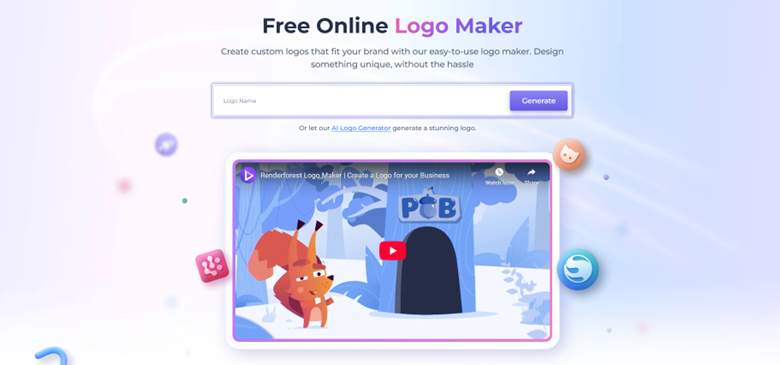
Budding graphic designers love Renderforest, especially its all-in-one creative suite. Its logo maker is ideal for anyone who wants simple, modern designs fast (usually in minutes). It uses a template-first approach, which works well if you’re aiming for polished visuals without spending hours tweaking.
Its best feature? Easy-to-use templates for sleek, modern logos. Unsurprisingly, Renderforest is best for content creators and startups needing quick branding. We must point out that, while Renderforest is an exceptional all-around design tool, users have less control over customization of logo design elements.
Pros
- Fast logo generation
- Stylish template selection
- Includes branding assets for videos and social
Cons
- Limited logo customization
- Interface can feel busy
Pricing: Free with watermark; paid from $9.99/month
2. Wix Logo Maker
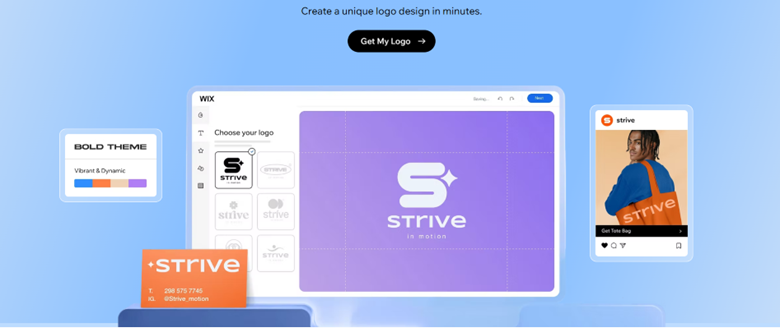
Logo-making with Wix is like magic! Answer a handful of questions, and its AI conjures up designs that reflect your style. It’s perfect if you’re short on time and want a clean, professional look.
It features smart AI that personalizes logo designs, making it ideal for small businesses building websites and logos together. Unfortunately, it relies heavily on AI, nearly eliminating manual tweaks or customizations.
Pros
- Seamlessly integrates with Wix websites
- Quick setup
- Clean, professional results
Cons
- Limited editing freedom
- Best features locked behind premium tiers
Pricing: Logos from $20; full branding kits from $49
3. LogoAI
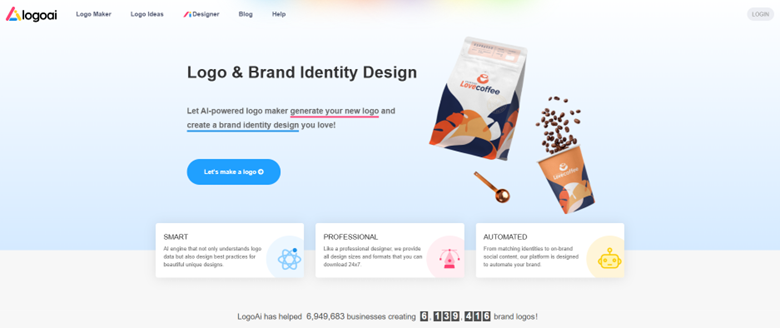
LogoAI is built for speed and simplicity. Answer a few questions, and it spins out sleek logo ideas in seconds. That makes LogoAI great for founders in a rush. It even includes matching brand materials, making it ideal for consistency across platforms.
Instant brand kits and logo styles with minimal effort are its best features. Anyone who needs fast, hassle-free branding will find this logo generator right on the money. Sadly, it’s more automation, less design freedom.
Pros
- Super quick results
- Includes brand guidelines
- Good for consistent visuals
Cons
- Logos may lack originality
- Limited creative input
Pricing: From $29 for logo; $59 for full brand package
4. Fiverr Logo Maker
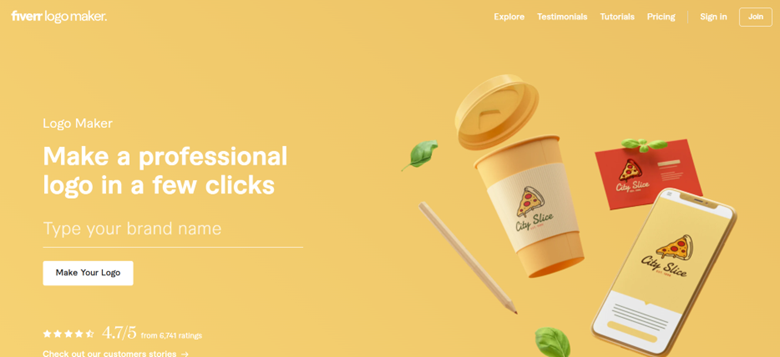
Fiverr Logo Maker blends AI with human creativity. You start with the generator, and if it’s not quite right, you can upgrade to a freelancer for custom tweaks. It strikes a sweet balance between flexible enough to customize and easy enough to not overthink.
You can easily jump from DIY to pro help in a flash, making it an indispensable tool for brands on a budget that still want polish. While it allows customization, Fiverr employs freelancers for supporting custom logo designs.
Pros
- Mix of automated and professional options
- Affordable entry point
- Wide range of styles
Cons
- Basic editing tools
- Varies in quality depending on freelancer
Pricing: AI logos from $30; freelance help from $5+
5. LogoMakr
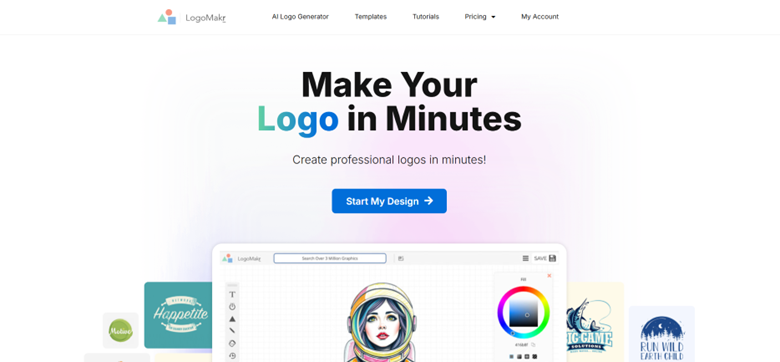
LogoMakr gives you total control (if you’re up for it). It’s a blank canvas, with no templates or AI. Unsurprisingly, this platform works best for hands-on creators. It’s more effort, but the results are yours and yours alone.
While it’s not full AI, logo creators appreciate LogoMakr’s free-form, drag-and-drop design experience. It’s ideal for DIYers who want complete creative freedom. Its weak spot? Not much hand-holding or smart AI features to steer you through. It’s 100% manual.
Pros
- Fully customizable canvas
- No signup required
- Free for basic use
Cons
- Steeper learning curve
- No design assistance or suggestions
Pricing: Free low-res; $19 for high-res downloads
6. Logo.com
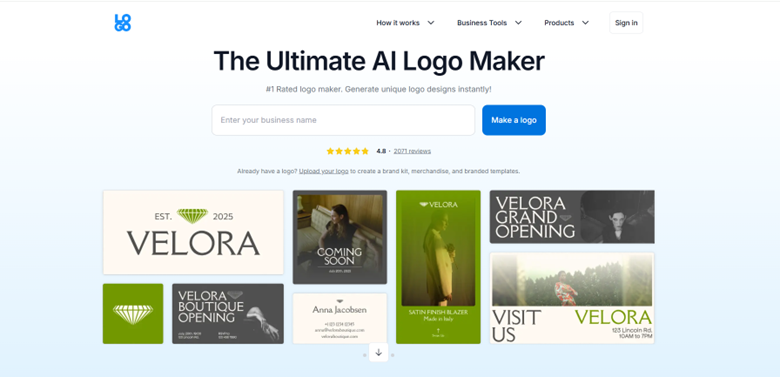
Logo.com is a quick-fix logo maker that also helps launch your brand online. It’s simple, affordable, and aimed at businesses that want to move fast from idea to launch, with a decent-looking logo in hand.
It’s best-selling feature? Branding bundles with domain, site, and logo! That makes Logo.com perfect for startups needing a full launch kit instantly. However, because it has broader services, its logo fine-tuning capabilities aren’t that well-defined.
Pros
- Quick and budget-friendly
- Includes web setup and brand assets
- No design experience needed
Cons
- Limited customization
- Logos can feel generic
Pricing: Starts free; subscriptions from $5/month
7. BrandCrowd
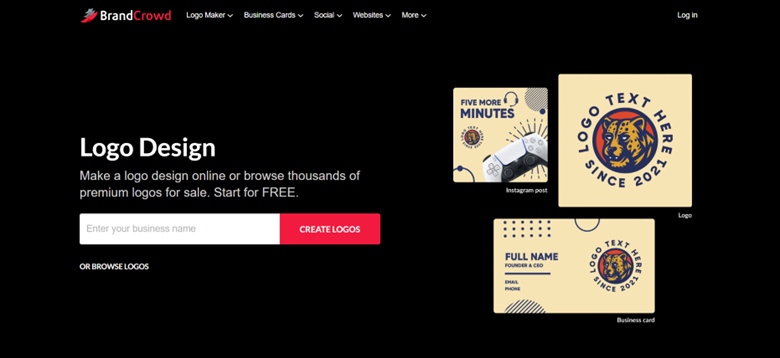
BrandCrowd is a vast library of ready-made logos. You’ll never design from scratch. Pick a template and tweak it. That’s it! It’s quick, visually impressive, and great for anyone short on time.
It has a huge catalog of designer-made logos. Unsurprisingly, brands that want to look pro with minimal effort make BrandCrowd their go-to platform. Unfortunately, it’s more a pick-and-go logo maker, robbing you of the feeling of accomplishment for designing your logo.
Pros
- Fast and visually appealing
- Tons of options
- Easy editing tools
Cons
- Limited originality
- Less control over design layout
Pricing: From $45 for logo; subscriptions for ongoing access
8. Logogenie
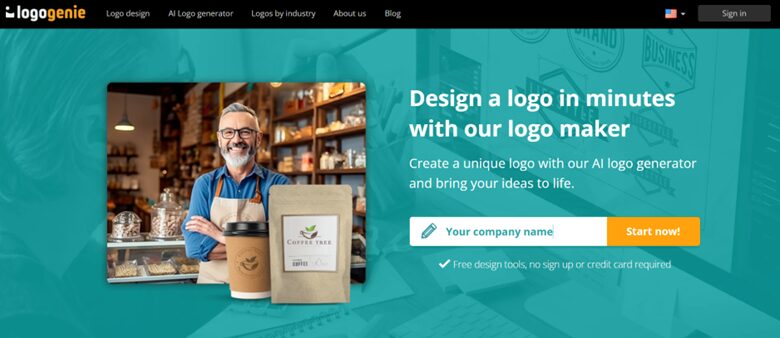
Balancing simplicity and creativity is Logogenie’s top ace! Unlike platforms that either box you into generic designs or overwhelm you with endless automated options, Logogenie gives you the freedom to create a logo that genuinely reflects your brand (no design expertise required!).
It has an intuitive interface (perfect for non-designers), although it still encourages thoughtful, professional choices to help you think like a designer!. Need guidance in picking smart colors? Fonts? How about layouts that work like magic across platforms? Logogenie is there! Customizable templates? Your logo will look anything but cookie-cutter. It’s fast, stylish, and scalable, too!
Unsurprisingly, nearly everyone (including business founders, freelancers, and creators) love Logogenie. It gives them full control over their logo design decisions and empowers them to design with intention, not just convenience.
Pros
- Easy-to-use editor
- Highly customizable templates
- Affordable, high-res one-time purchase
- Quick previews for every format on the spot
Cons
- Doesn’t include domains or full web kits
- Focused on logo creation, not full branding suites
Pricing: One-time fee from $24.90
Pairing Your Brand with its Design Soulmate
Choosing a logo maker for your brand doesn’t only involve picking pretty designs. It also demands finding the right blend of ease, flexibility, and creativity.
A great logo maker helps you express your brand’s personality, Customization or personalization should be a breeze (without being confusing). More importantly, it guides you in making choices that work across brand-growing platforms.
So, think about your goals. Are you building and growing your social media audience? Do you need a responsive logo?
The best tools offer templates that look sharp and logo editors that are intuitive. They ensure your exports fit every need. Pick one that supports your vision. More importantly, choose a logo maker that lets you design like a pro, even without experience.
Our Final Thoughts on Logogenie and Logos
Finding the right logo maker for your brand can feel overwhelming. It doesn’t have to be. While some tools deliver lightning-fast logos and deliver full creative control, few can match Logogenie’s beautifully balanced AI-powered logo generator. Bringing your brand story to life is so much easier. More importantly, Logogenie sets you up for success across platforms.
To read more content like this, explore The Brand Hopper
Subscribe to our newsletter