When you’re new to managing sales, it’s easy to lose track of who said what, which leads are hot, and where each deal stands. A CRM system puts everything in one place—contacts, conversations, tasks, and pipelines—so you always know the next best step. For beginners, the right CRM should feel simple but still give you the building blocks to work like a pro: organized deals, clear follow-ups, and gentle automation that saves hours.
Below, you’ll find five beginner-friendly CRM platforms—SendPulse, Brevo, Keap, Ontraport, and Salesforce CRM—with prices and practical feature notes so you can pick confidently.
SendPulse CRM — A practical all-in-one start with generous free limits
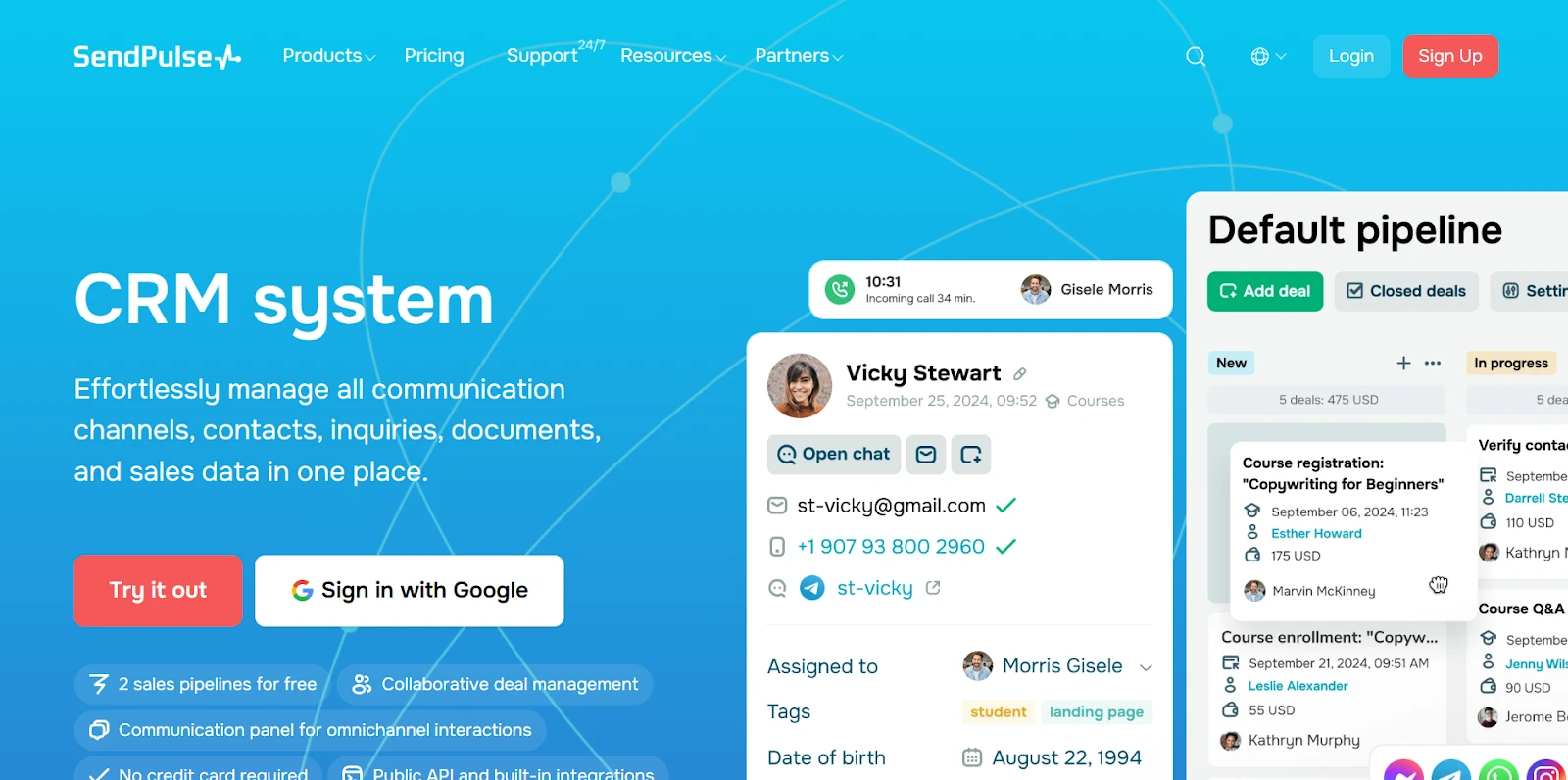
SendPulse feels like a tidy command center for a small team: contacts, deals, tasks, email, and automation live together without the usual learning curve. It’s built for real-world use—drag deals across stages, log interactions, and let lightweight automation do the polite follow-up for you. If you’re starting out (or onboarding a few teammates), you get meaningful capacity before you ever pay.
Pricing:
The free plan for this CRM includes the account owner + up to 4 invited users (i.e., 5 people total), up to 2 sales pipelines/boards, and 1 GB storage. It also allows 5 automation flows, 1 event, and 50 elements in Automation 360. Paid tiers (Lite / Basic / Standard / Pro / Enterprise) expand users, pipelines/boards, storage, and more; unlimited contacts, deals, and tasks are available on all plans. Extra users can be added without changing your whole plan.
- Lite: $12/month (billed annually). Includes 1 user/account, 2 sales pipelines, 8 flows, 5 events, 50 Automation 360 elements, 2 boards, 3 GB storage, 1 email inbox, 8 saved segments.
- Basic: $37/month (billed annually). Includes 10 team members (owner + up to 9 invited users), up to 5 pipelines, 8 flows, 5 events, 50 Automation 360 elements, up to 5 boards, 5 GB storage, 1 email inbox, 8 saved segments.
- Standard: $108/month (billed annually). Includes owner + up to 19 invited users, up to 10 pipelines, 10 flows, 10 events, 70 Automation 360 elements, up to 10 boards, 20 GB storage, up to 3 email inboxes, 10 saved segments.
These limits make the early experience structured yet roomy; most small teams won’t feel squeezed.
Key features:
- Lead and opportunity management. Create multiple pipelines and unlimited deals. Leads can flow in from forms, chatbots, email, and more—handy when you’re collecting contacts from several touchpoints.
- Pipeline and deal tracking. Visual boards let you drag cards across stages, filter views, and keep a clean snapshot of progress without spreadsheets.
- Task and activity management. Assign and schedule tasks directly from a deal or contact. The built-in reminders help beginners stay on top of day-to-day follow-ups.
- Interaction tracking. Tie emails and messages to contact records so the full story stays in one place. For beginners, that “single timeline” quickly becomes the most-used screen.
- Sales automation and sequences. Automation 360 supports triggered sequences (e.g., a timely nudge if an email isn’t opened, a post-demo follow-up). It’s approachable and keeps your pipeline moving even when you’re busy.
- Landing pages and web forms. Capture leads with native forms and pages that push data straight into your CRM—no glue code, no extra tools.
- Internal team communication. Commenting and deal-level collaboration keep context where it belongs: right on the record.
- Email and follow-up automation: Tie follow-ups to behavior (opens, clicks, events) and schedule polite reminders; it’s a beginner-friendly way to look consistently professional.
- Integrate WhatsApp with SendPulse’s CRM. When customers interact via WhatsApp (e.g. via chatbots or messages), their data (name, contact info, order actions) can be used to automatically create contacts, deals, or update records in SendPulse’s WhatsApp CRM integration.
- Alerts and notifications. Automated reminders for task deadlines and deal changes make sure nothing slips. You can also enable bot notifications so admins get pinged when an automated flow triggers.
Beginner takeaway: SendPulse gives you “just enough of everything” from day one, with a truly useful free plan and no pressure to duct-tape extra tools. If you want one login that covers deals, follow-ups, forms, and automation, this is a strong start.
Brevo — A free CRM that’s clean and marketing-savvy
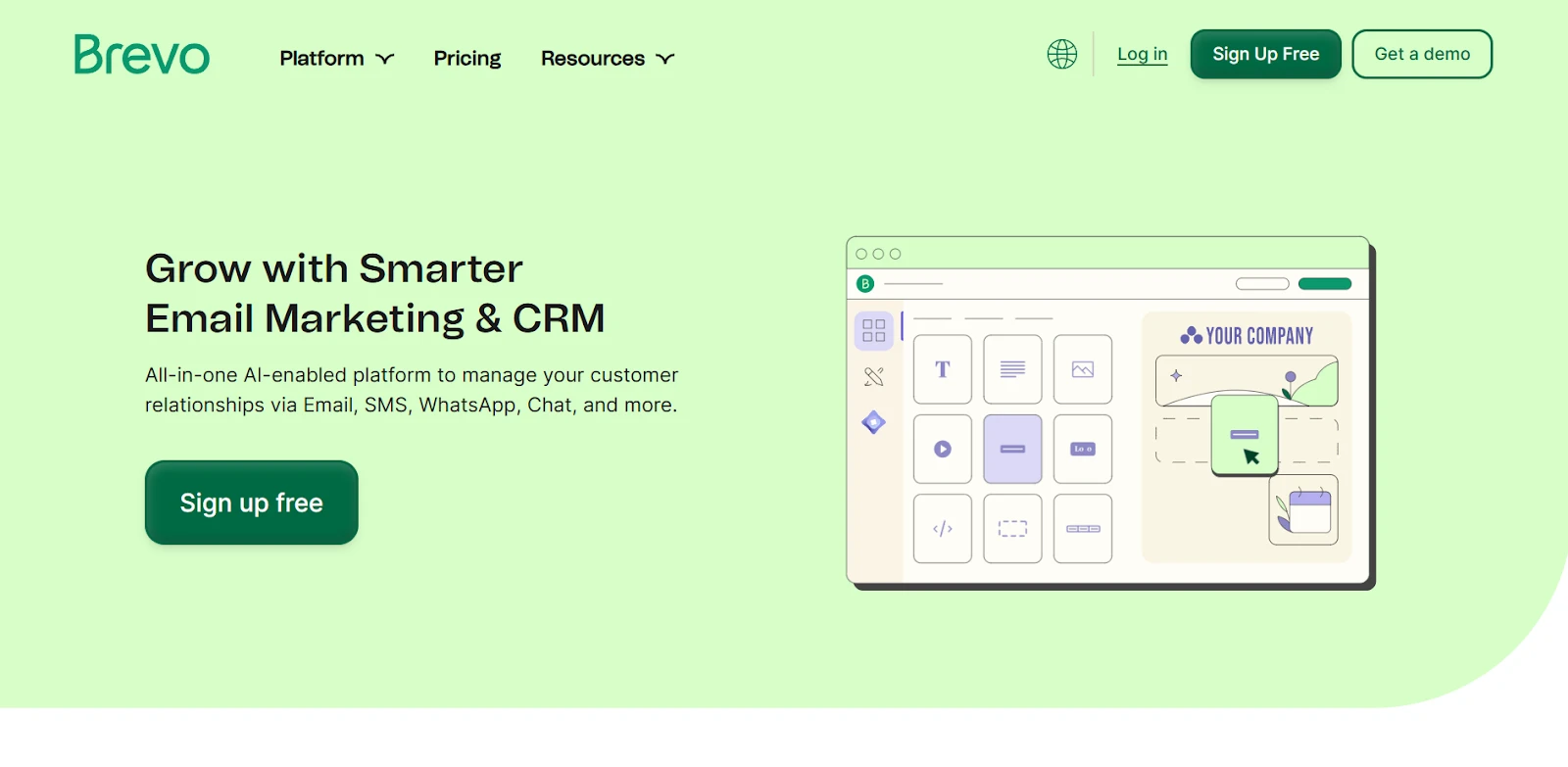
Brevo is known for approachable email tools, and its CRM follows the same philosophy—simple, visual, and closely tied to communication. If you’re dipping your toes into sales organization while already sending campaigns, Brevo keeps everything tidy under one roof.
Pricing:
Free (CRM) — $0. Includes 50 open deals, 1 pipeline, meetings, and live chat. For advanced scoring, contact scoring is available in the Professional plan — $449/month (billed annually).
This is a true “start free and learn the ropes” setup; you get practical capacity, and you only upgrade when you need heavier automation and scoring.
Key features:
- Lead and opportunity management. Create pipelines with customizable stages; every action gets logged, so a beginner can retrace the steps without guesswork.
- Pipeline and deal tracking. Kanban-style boards offer a quick, visual understanding of what’s moving and what’s stuck—perfect for small teams.
- Task and activity management. Attach tasks to contacts or deals, add deadlines, and rely on reminders—simple habits that dramatically improve follow-through.
- Interaction tracking. Because email and CRM sit together, your contact timeline stays complete—emails, notes, meetings in one running history.
- Sales automation and sequences. Brevo supports beginner-friendly workflows (e.g., send a follow-up when a stage changes). You can build more sophistication as your process matures.
- Landing pages and web forms. Built-in forms push leads directly into the CRM so you can follow up immediately.
- Internal team communication. Collaboration happens around shared deal visibility and comments; it’s lightweight but keeps everyone aligned.
- Email and follow-up automation. Brevo’s email capabilities remain a strength, making it easy to set up nurturing flows right from the same place where you track deals.
- Alerts and notifications. Internal notifications keep you aware of pipeline events and assigned tasks, which is especially helpful when you’re new to a sales rhythm.
Beginner takeaway: If you want a free CRM that doesn’t feel flimsy—and you appreciate tight email integration—Brevo is a calm place to start.
Keap — Friendly automation for small teams that want to move fast
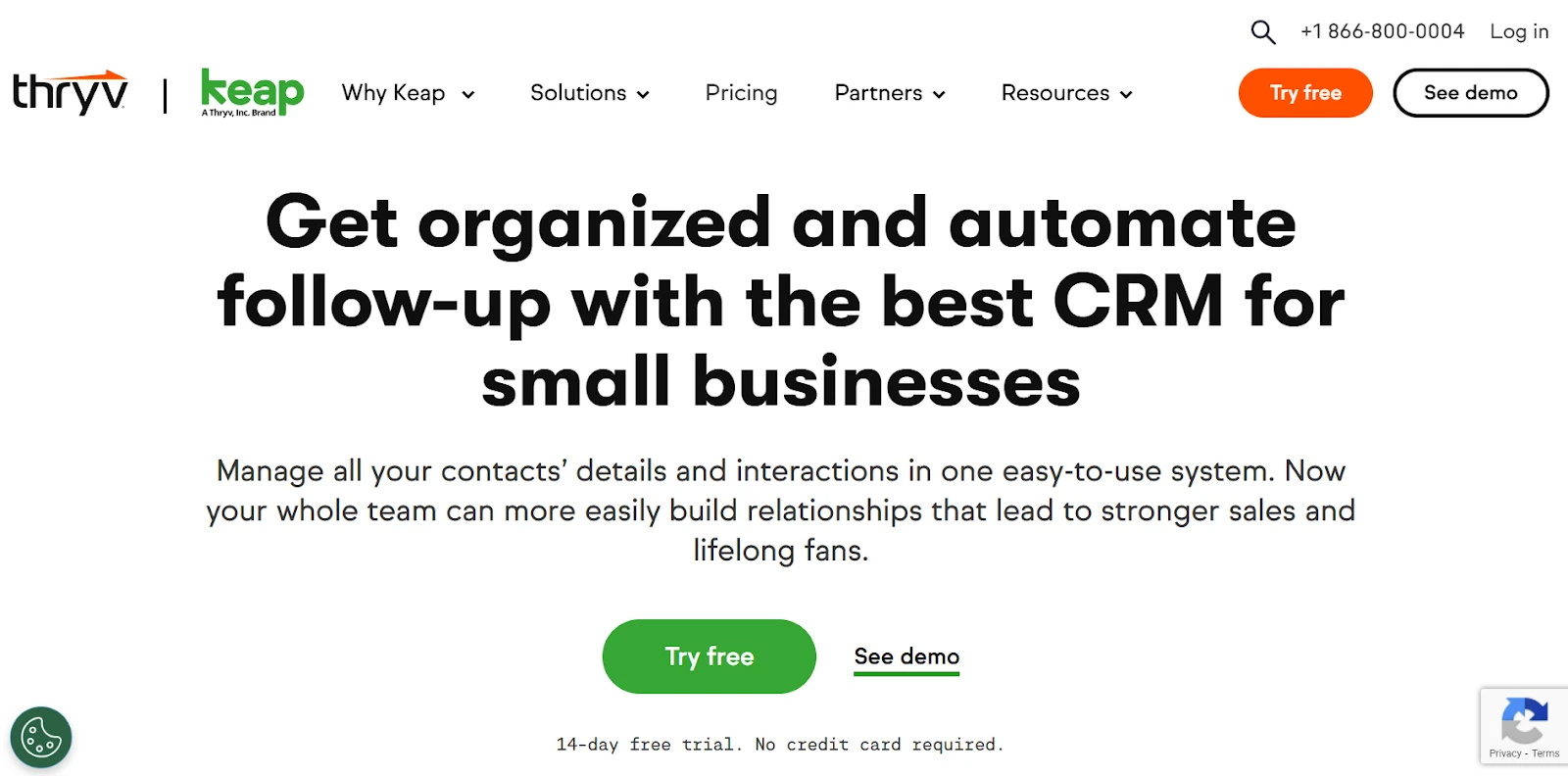
Keap (formerly Infusionsoft) puts automation front and center, but it doesn’t feel off-limits to beginners. The visual builders are clear, and stage-based triggers let you “set it and forget it” for common follow-ups. If you’re the kind of small business that wants to look organized and responsive without living in your inbox, Keap is compelling.
Pricing:
14-day free trial for sales and marketing automation. Paid plans start at $249/month (or $2,988/year billed annually). The dataset notes Keap now sells the entire platform at one price (no feature-based tiers).
It’s a premium entry point, but you’re paying for integrated CRM + automation rather than stitching tools together.
Key features:
- Lead and opportunity management. Visual pipelines with customizable stages and automation on stage moves. You can auto-create deals from forms/goals—ideal for turning a signup into an organized opportunity without manual work.
- Pipeline and deal tracking. Drag-and-drop pipelines provide a big-picture view from new lead to won deal. Multiple pipelines are supported; stage changes can trigger emails or tasks automatically.
- Task and activity management. Assign tasks, set priorities, and stay on schedule—very helpful when your team is small and every follow-up matters.
- Interaction tracking. Calls, emails, and texts live on one record, so you always know the last touch and the next step.
- Sales automation and sequences. This is Keap’s hallmark—automated follow-up sequences and task creation tied to behavior or pipeline events.
- Landing pages and web forms. Built-in templates make it easy to launch a page and route submissions into your CRM and automations.
- Internal team communication. Notes and updates can be left right on the record; simple, centralized collaboration for small teams.
- Email and follow-up automation. Keap is designed for triggered outreach (e.g., send a reminder after no reply), which helps beginners look consistently attentive.
- Alerts and notifications. Notifications and reminders keep the day flowing—especially useful when you’re juggling leads across different channels.
Beginner takeaway: If you value automation from the very beginning—and you’re comfortable with a premium price—Keap does a lot of heavy lifting for you.
Ontraport — Structured growth with clear paths to “do it right”
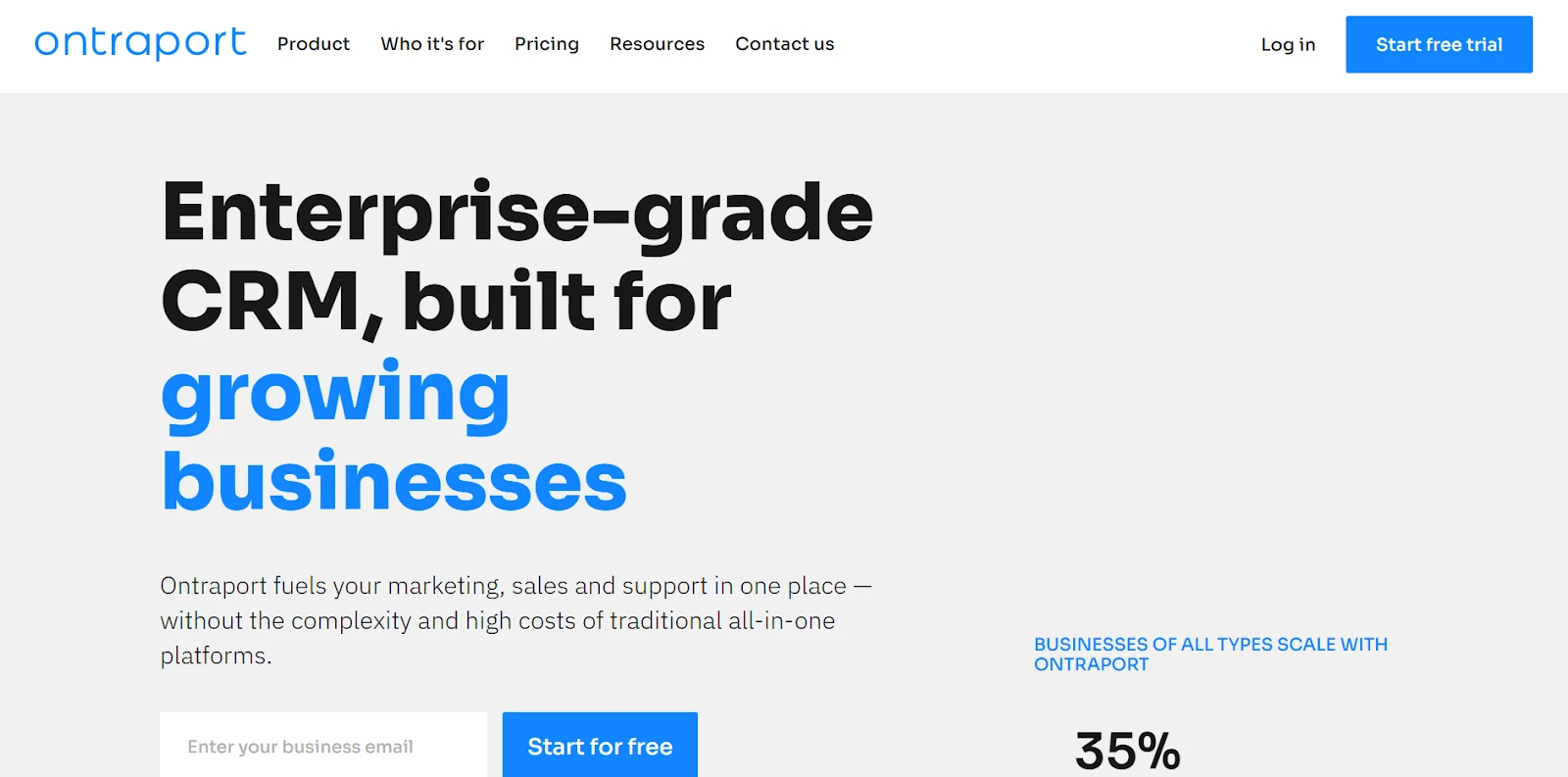
Ontraport appeals to beginners who want a clean structure and room to grow. Pipelines, automation, and reporting are set up to help you build repeatable processes instead of ad-hoc routines. It’s a good match if you’re already thinking beyond your first dozen deals.
Pricing:
14-day free trial. You can try its customizable CRM at $24/month. Advanced CRM with deals and companies is available at the Plus plan for $83/month (billed (billed yearly). yearly).
In other words, you can start lean and unlock the fuller sales toolkit when you’re ready.
Key features:
- Lead and opportunity management. Built-in CRM supports pipelines and visual campaign tools. It’s designed to help you guide each contact through consistent steps.
- Pipeline and deal tracking. A visual pipeline interface helps you filter by rep or value and keep attention on what’s truly moving. It’s approachable and very “teach-able” for new teams.
- Task and activity management. Create tasks, set reminders, and manage activity history. As your lead volume grows, these basics prevent delays.
- Interaction Tracking. Emails, notes, and calls are stored on the record—clear context so you never start a conversation cold.
- Sales automation and sequences. A visual automation builder (with templates) lets beginners start simple and expand to more complex journeys later.
- Landing pages and web forms. Build branded pages and forms that push clean data into your CRM, so your pipeline stays tidy from the first touch.
- Internal team communication. Shared dashboards help teams stay aligned; while it’s more process-oriented than chat-oriented, it supports collaboration well.
- Email and follow-up automation. The dataset highlights a visual automation builder and email capabilities that support bulk and automated messages with tracking—useful for recurring nurtures and time-based follow-ups.
Beginner takeaway: Ontraport is a solid pick if you want a structured, scalable setup and you’re comfortable unlocking advanced “Deals and Companies” at the Plus tier when your sales motion matures.
Salesforce CRM — Start small, with headroom to grow very big
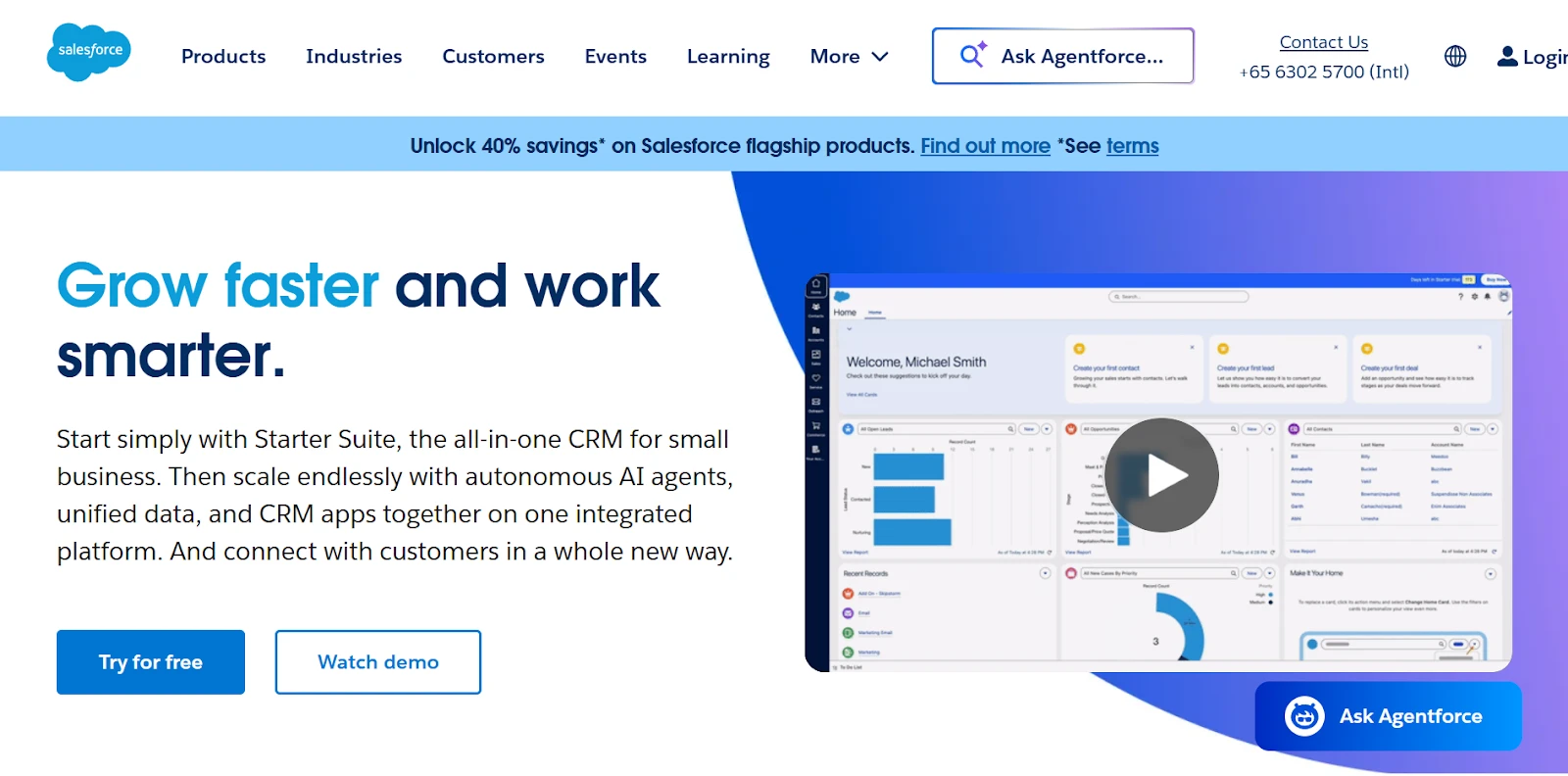
“Salesforce” often sounds enterprise-heavy, but the modern entry paths make it approachable to newcomers. You can start with a simplified suite, follow the guided setup, and grow into deeper customization as your process evolves.
Pricing:
30-day free trial.
- Starter Suite: $25/user/month. Includes lead, account, contact, and opportunity management, dynamic email marketing and analytics, built-in sales flows and lead routing, and connected Slack conversations.
- Pro Suite: $100/user/month. Includes everything in Starter plus enhanced real-time chat, greater customization and automation, sales quoting and forecasting, and access to AppExchange.
Key features:
- Lead and opportunity management. Purpose-built for the full lead lifecycle—capture, score, route, track. If you want proper process discipline from the start, Salesforce has the scaffolding.
- Pipeline and deal tracking. Visual dashboards and forecasting views help you see what’s closing when. It’s powerful even at the entry level.
- Task and activity management. Create and manage tasks, reminders, and calendar-aligned activities so your day is driven by the right next actions.
- Interaction Tracking. Calls, meetings, and emails are stored on the record for team-wide visibility.
- Sales automation and sequences. Workflow-driven automation exists at entry levels; deeper process automation and quoting come with the Pro Suite and beyond.
- Landing pages and web forms. Typically handled via integrations, the big advantage is the API/marketplace approach when you’re ready.
- Internal team communication. Chatter gives you record-level discussions, @mentions, and file sharing. The Slack connection pulls conversations into the rhythm of sales work.
- Email and follow-up automation. The dataset emphasizes email integration and tracking and dynamic email marketing in Starter Suite; for sophisticated marketing automation journeys, many teams add a dedicated solution.
- Alerts and notifications. The dataset’s mobile entry notes push notifications (e.g., when a quote is approved) so reps respond quickly—even away from the desk.
Beginner takeaway: If you want a platform that starts simple but won’t cap your ambitions, Salesforce’s Starter/Pro approach gives you credible basics now and serious headroom later.
Which CRM Is Best for You?
Every platform here meets beginners at a different stage of their journey. The right choice depends on what you value most — simplicity, automation, structure, or long-term scalability.
While CRMs are essential for managing customer relationships and streamlining sales pipelines, their effectiveness increases when paired with complementary marketing solutions. By integrating your CRM with email marketing tools, you can automate personalized campaigns, nurture leads more efficiently, and improve overall customer retention. To find the right platform for your business, explore this list of the best CRMs with email marketing.
- SendPulse delivers a balanced starting point: a generous free plan, full-featured CRM, and accessible automation that helps teams work smarter from day one. It’s ideal if you want an all-in-one system for managing deals, follow-ups, and communication without extra integrations or high costs.
- Brevo gives you a clean, marketing-centric environment and a genuinely useful free tier, perfect for those who primarily work with email and want a simple way to manage leads.
- Keap focuses on efficiency through automation. It’s best for small businesses ready to invest in a system that handles repetitive follow-ups and nurtures leads automatically.
- Ontraport offers structure and flexibility for users who plan to grow. Its visual automation tools and built-in pages make it a great choice for teams learning to scale processes.
- Salesforce CRM offers the reliability and extensibility to evolve with your business as it matures.
For beginners, the key is finding a CRM that removes friction rather than adds it. SendPulse stands out for providing a complete toolkit—contact management, pipelines, tasks, automation, and communication—within a straightforward interface and an approachable pricing model. But whether you start with SendPulse’s all-in-one simplicity, Brevo’s free base, Keap’s automation depth, Ontraport’s structure, or Salesforce’s flexibility, each of these CRMs can help you build better habits, track your progress, and grow confidently with every new customer.
To read more content like this, explore The Brand Hopper
Subscribe to our newsletter