Last Updated on April 30, 2026 by Team TBH
WordPress powers more than 43% of the internet, and with artificial intelligence reshaping how we create, optimize, and manage content, the plugin ecosystem has responded in kind. Whether you run a personal blog, a WooCommerce store, or a high-traffic media site, there is now an AI plugin built specifically for your workflow. The challenge is cutting through the noise and finding the tools that actually deliver results.
This guide walks you through the best AI plugins for WordPress right now — covering content creation, SEO, customer support, image generation, and more — so you can make an informed decision for your site.
Why Add AI Plugins to Your WordPress Site?
Before diving into the list, it’s worth understanding what AI plugins actually do. At their core, they connect WordPress to large language models (like GPT-4 or Gemini) and specialized machine-learning APIs, letting you automate or accelerate tasks that would otherwise eat hours of your week. That means drafting blog posts, generating meta descriptions, answering customer questions around the clock, or translating content into multiple languages — all without leaving the WordPress dashboard.
The ROI is tangible: content teams report cutting first-draft time by 50–70%, while site owners using AI chatbots see measurable drops in support ticket volume. The key is choosing plugins that align with your actual goals rather than chasing every shiny feature.
1. AI Engine by Jordy Meow
Best for: All-around AI integration
AI Engine is one of the most versatile AI plugins in the WordPress repository. It connects to OpenAI (and other providers) and gives you a full suite of tools: a content generator, an AI chatbot, image generation via DALL·E, and a template system for repeatable prompts.
What sets it apart is the Playground — an in-dashboard interface where you can experiment with prompts before rolling them out across your site. The chatbot can be trained on your own content, making it useful for FAQ-style support. There is also a built-in token usage tracker, which helps keep API costs under control.
The free version covers the basics, while the Pro tier unlocks advanced fine-tuning options, WooCommerce product generation, and multi-model support (including Claude and Gemini). For developers who want deep customization, the plugin exposes a clean REST API and plenty of hooks.
2. Jetpack AI Assistant
Best for: Bloggers and content creators already using Jetpack
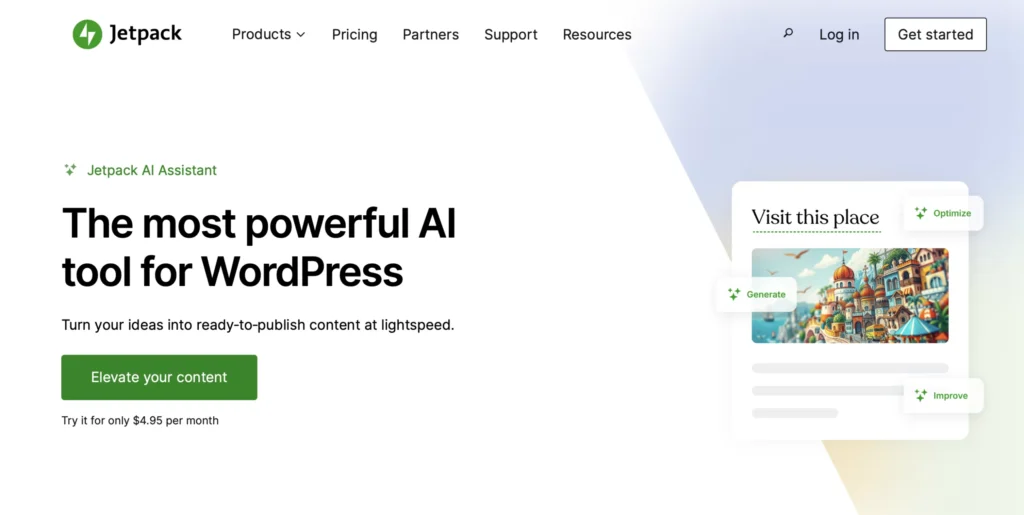
Jetpack’s AI Assistant integrates directly into the WordPress block editor. Highlight any text block, click the AI icon, and you get instant options: rewrite for tone, expand, summarize, translate, or generate a fresh draft from a prompt. Because it lives inside the editor, the workflow feels native rather than bolted on.
Jetpack AI is particularly strong for teams managing editorial calendars. It can generate titles, suggest featured image alt text, and produce short-form social captions alongside the main article. The model runs on OpenAI GPT-4, and Automattic updates it regularly.
One limitation: the free plan allows only 20 AI requests per month. Beyond that, pricing scales with usage. For high-volume content operations, costs can add up — but the seamless Gutenberg integration justifies it for many publishers.
3. Rank Math SEO (AI-Powered Features)
Best for: SEO-focused content optimization
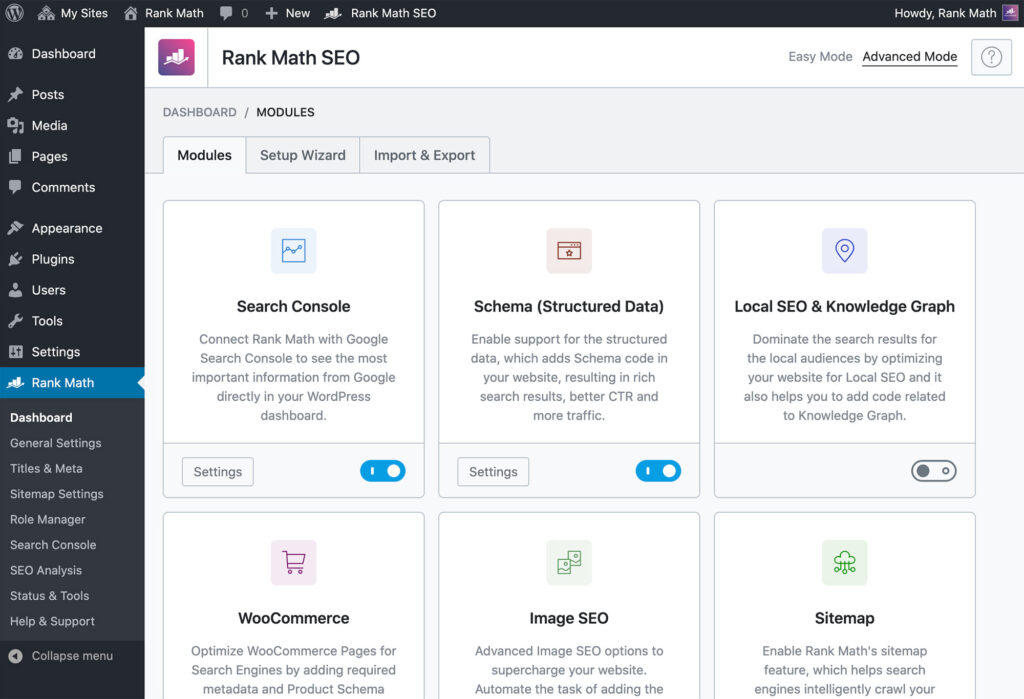
Rank Math has long been a top-tier SEO plugin, and its Content AI feature layer has made it even more compelling. Rather than treating AI as a separate module, Rank Math weaves it directly into the SEO workflow. As you write, the AI suggests related keywords, analyses keyword density, proposes meta titles and descriptions, and benchmarks your content against top-ranking competitors.
The Content AI also generates FAQ sections, schema-ready answers, and article outlines — all optimized for the keyword you’re targeting. This is a meaningful differentiator: instead of generating generic prose, the AI produces content with ranking intent baked in.
Content AI credits are sold separately from the base plugin, but the value-to-cost ratio is strong for sites that publish SEO-driven content at scale. The free version of Rank Math still offers basic AI suggestions, making it accessible without an immediate financial commitment.
4. GetGenie AI
Best for: Long-form blog content and copywriting
GetGenie is a dedicated AI writing assistant built specifically for WordPress. It supports more than 37 content templates — blog posts, product descriptions, email subject lines, ad copy, social media updates — and generates output in over 25 languages, making it a strong choice for multilingual sites.
The SERPGenie feature is what separates GetGenie from generic writing tools. It pulls live search data and shows you exactly what competing articles cover, so you can build more comprehensive content without ever leaving the dashboard. The NLP keyword integration further strengthens on-page SEO.
GetGenie integrates with both the Classic Editor and Gutenberg, and offers a one-click article wizard that can produce a full 1,500-word post — complete with headings, intro, and conclusion — in under two minutes. Results require human editing, as with all AI writing tools, but the structural output is solid.
5. Bertha AI
Best for: Teams needing a writing assistant across multiple platforms
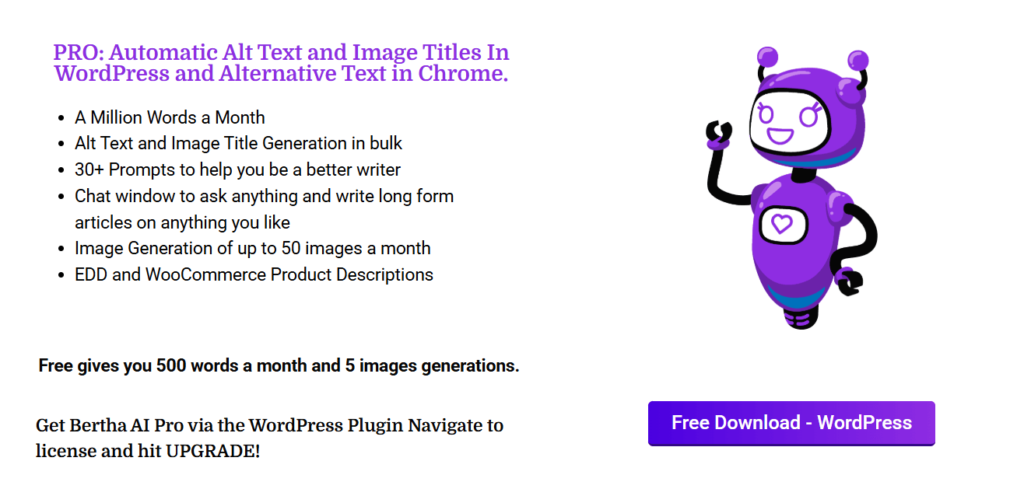
Bertha AI positions itself as a “writing assistant that lives in your browser” — it works inside WordPress but also extends to other platforms via a Chrome extension, making it practical for teams that don’t live entirely in the WordPress editor.
Inside WordPress, Bertha generates copy for pages, posts, and WooCommerce product listings. Its tone controls are notably refined: you can instruct it to write like an expert, a storyteller, or a casual conversationalist, and it respects those parameters across an extended piece of content. The image generation module (powered by Stable Diffusion) means you can produce featured images and in-article visuals without a separate design tool.
Bertha offers a modest free plan with 100 words per day, which is enough to evaluate its quality before committing to the paid tiers. Agency and white-label plans are available for those managing multiple client sites.
6. WPBot – WordPress ChatBot Plugin
Best for: Customer support and lead generation automation
WPBot is the most widely used AI chatbot plugin for WordPress, with over 10,000 active installs. It uses OpenAI’s conversational models to handle customer inquiries, guide visitors through product catalogs, capture leads, and answer common questions — all without human intervention.
Setup requires no coding. You configure intents and responses through a visual interface, connect to OpenAI, and the bot is live within minutes. WPBot also integrates with Dialogflow for teams that need enterprise-grade NLP and complex conversation flows.
The plugin supports live chat handoff, so when a visitor’s question is too nuanced for the bot to handle, it can escalate to a human agent seamlessly. For WooCommerce stores, WPBot can guide shoppers to the right product category, surface coupon codes, and reduce cart abandonment by answering last-minute questions at checkout.
7. WordLift

Best for: Semantic SEO and structured data
WordLift takes a different approach to AI in WordPress. Rather than generating prose, it focuses on making your existing content machine-readable through structured data and knowledge graphs. It identifies entities in your content — people, places, products, events — and automatically adds schema markup, internal links, and rich snippet data that search engines use to understand context.
The result is improved performance in Google’s featured snippets, knowledge panels, and AI Overviews (the summaries Google now places at the top of many search results pages). For publishers targeting informational queries, this can be a significant competitive advantage.
WordLift is an investment: pricing starts at around $49 per month, which puts it out of reach for hobby blogs. But for content-heavy sites in competitive niches — finance, health, travel, e-commerce — the structured data layer it builds can drive meaningful organic traffic gains over time.
How to Choose the Right AI Plugin
With this many options on the table, the right choice comes down to your primary use case:
- Content creation at speed → AI Engine or GetGenie AI
- SEO-integrated writing → Rank Math Content AI
- Customer support automation → WPBot
- Semantic SEO and structured data → WordLift
- Native editor experience → Jetpack AI Assistant
- Multi-platform writing → Bertha AI
Most of these plugins offer free tiers or trials, so you can test without committing. Start with one that targets your biggest bottleneck, measure the time saved, and expand from there.
Final Thoughts
AI plugins have moved well beyond novelty in the WordPress ecosystem. The best ones genuinely compress the distance between an idea and a published, optimized piece of content — or between a visitor question and a resolved support ticket. The key is choosing tools that integrate cleanly into your existing workflow rather than adding complexity.
The plugins covered here represent a strong cross-section of what’s available in 2026: from lightweight editor assistants to full-stack content automation platforms. Whatever your site’s size or focus, there is an AI plugin on this list worth trying.
Also Read: Best Subscription Billing Tools for Micro SaaS
To read more content like this, subscribe to our newsletter