Last Updated on June 12, 2026 by Team TBH
There is a quiet revolution happening inside businesses of every size, and it doesn’t involve hiring more developers or building custom software. It involves non-technical founders, marketers, operations managers, content creators, and solopreneurs taking control of their own workflows — automating the repetitive, the tedious, and the time-consuming — without writing a single line of code.
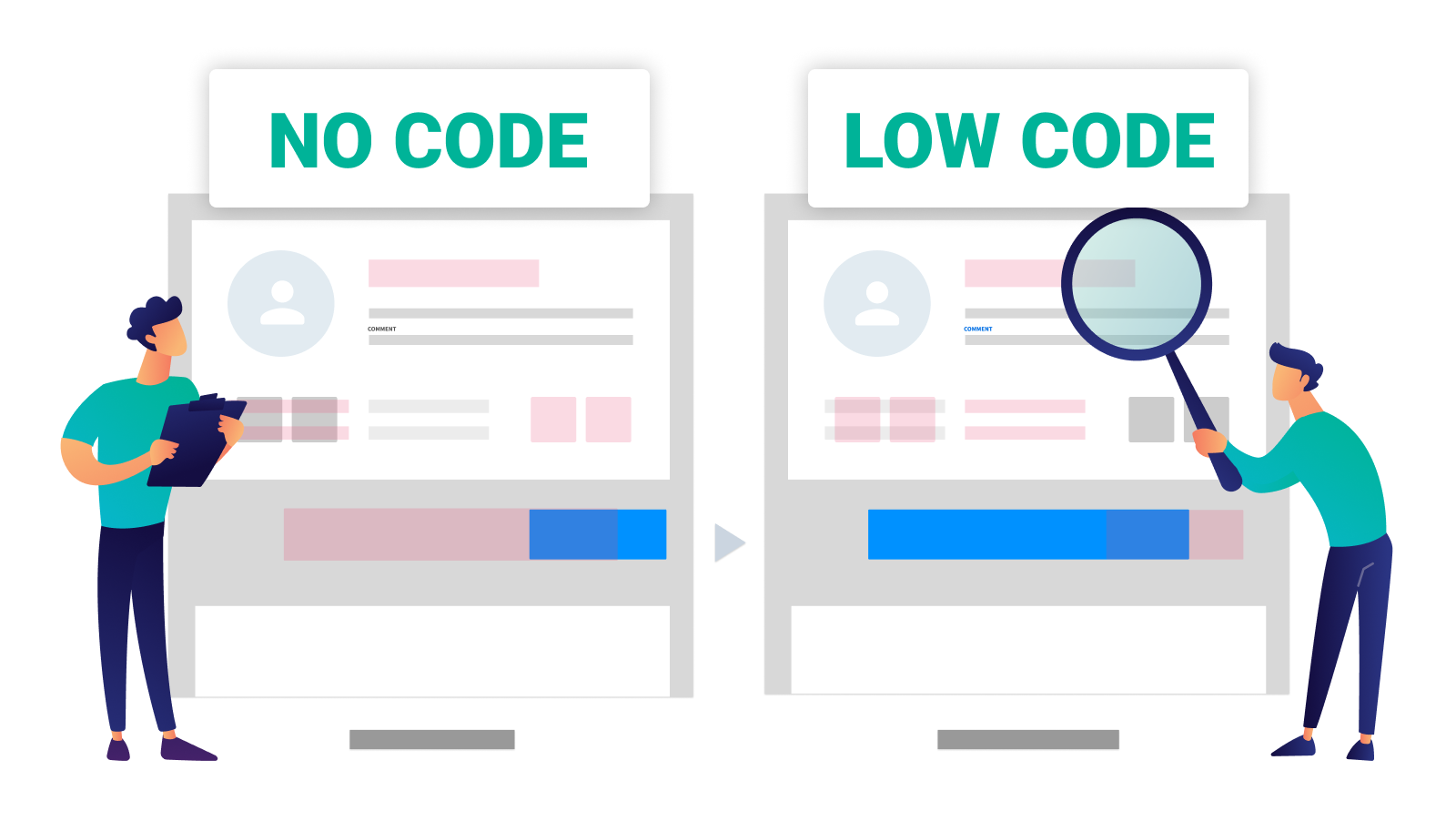
No-code automation tools have made this possible. By connecting apps, triggering actions, moving data, sending notifications, and executing multi-step workflows through visual drag-and-drop interfaces, these platforms have democratized a capability that once required engineering resources. What used to take a developer days to build can now be set up by a business owner in an afternoon.
The global no-code development market is projected to exceed $45 billion by 2030, and automation sits at its beating heart. Whether you’re a solo creator automating your content pipeline, a marketing team synchronizing leads across platforms, or an operations team eliminating manual data entry, there’s a no-code automation tool built for your exact situation.
Here’s a comprehensive guide to the best ones available in 2026.
What Makes a Great No-Code Automation Tool?
The market has grown crowded, and the differences between platforms matter enormously depending on your use case. The best no-code automation tools typically excel across several dimensions.
Breadth of integrations determines how many apps and services you can connect — a platform with 6,000 integrations is fundamentally more useful than one with 500. Workflow complexity separates tools that can handle simple two-step automations from those that support multi-branch logic, conditional steps, loops, and error handling. Ease of use reflects how quickly a non-technical user can build and maintain workflows without frustration. Reliability and error handling matters enormously in production workflows where a failed automation can mean lost leads or missed communications. Pricing model — whether per task, per workflow, or per user — dramatically affects cost at scale. And increasingly, AI capabilities built into the automation layer are separating the next generation of tools from the first.
With those benchmarks established, here are the platforms defining the no-code automation space.
1. Zapier — The Category Creator

No conversation about no-code automation can begin anywhere other than Zapier. It effectively invented the consumer-facing automation category and remains the most widely used tool in the space, connecting over 6,000 apps through a visual “Zap” builder that has become the industry standard for how automations are conceptualized and built.
Zapier’s core model is elegant: a Trigger (something that happens in one app) kicks off one or more Actions (things that happen in other apps) automatically. A new lead fills out a form → add them to a CRM → send a welcome email → notify the sales team in Slack. This logic is intuitive enough for total beginners and powerful enough for sophisticated business workflows.
What has kept Zapier at the top of the category is relentless expansion. Its Zap builder now supports multi-step workflows with conditional logic (Paths), formatting steps, delays, custom code blocks for users who want to add a small Python or JavaScript function without leaving the interface, and Zapier Tables — a lightweight database that lives natively inside automations.
Zapier’s AI features, branded under Zapier AI, now allow users to build Zaps using natural language — describing what they want in plain English and having the platform generate the workflow structure automatically. This has dramatically lowered the barrier to entry for users who find visual builders intimidating.
Pricing is task-based, which can become expensive at high automation volumes. But for small to mid-sized teams running moderate automation loads, Zapier’s combination of app coverage, reliability, and ease of use makes it the safest and most versatile starting point.
Best for: Businesses and individuals who need reliable, broad-integration automation with the largest app library in the category and the gentlest learning curve.
2. Make (formerly Integromat) — The Power User’s Playground
If Zapier is the approachable entry point, Make is where automation gets serious. Rebranded from Integromat in 2022, Make offers a visual workflow builder that looks and feels fundamentally different from Zapier — instead of a linear list of steps, Make presents workflows as visual flowcharts where users can see the entire automation mapped out on a canvas, with data flowing between nodes like a circuit diagram.
This visual approach unlocks workflow complexity that Zapier struggles to match. Make supports advanced branching, parallel routes, iterators and aggregators (for processing arrays of data), error handlers, and deeply nested conditional logic — all visualized in a way that makes complex automations comprehensible rather than overwhelming.
Make’s pricing model is also a significant differentiator: it charges based on operations (individual actions within a workflow) rather than tasks (complete workflow runs), which can make it dramatically more cost-effective for complex multi-step automations. A workflow with ten steps that runs 1,000 times per month costs far less on Make than on Zapier.
The platform connects over 1,500 apps — a smaller library than Zapier but comprehensive enough for most business use cases — and its HTTP and webhook modules allow connections to virtually any API, expanding that reach significantly for users comfortable with basic API concepts.
Make has become the tool of choice for operations specialists, growth hackers, and automation agencies who need to build sophisticated, high-volume workflows without the cost and complexity of custom development.
Best for: Power users, operations teams, and automation agencies who need complex multi-step workflows, advanced logic, and cost-efficient pricing at scale.
3. n8n — The Open-Source Insurgent
n8n has emerged as one of the most exciting tools in the no-code automation space by offering something no major competitor does: a fully open-source, self-hostable automation platform. For businesses that handle sensitive data, operate in regulated industries, or simply prefer full ownership of their infrastructure, n8n’s self-hosting option is a genuine game-changer.
Like Make, n8n uses a canvas-based visual editor where workflows are built as node graphs. Its interface is clean and capable, supporting complex multi-branch workflows, custom JavaScript code nodes, sub-workflows, and error handling. It connects to over 400 native integrations and extends to virtually any API through its HTTP request node.
What makes n8n particularly exciting in 2026 is its AI agent capabilities. The platform has leaned aggressively into AI automation, offering native integrations with OpenAI, Anthropic, and other LLM providers that allow users to build autonomous AI agents — workflows where an AI model doesn’t just process data but makes decisions, uses tools, and completes multi-step tasks with minimal human intervention. For businesses exploring AI automation beyond simple prompt-and-response, n8n offers one of the most accessible entry points.
The self-hosted version is free, making n8n extraordinarily cost-effective for technically comfortable teams. A cloud-hosted version is available for those who prefer managed infrastructure, with pricing based on workflow executions.
Best for: Technical teams, startups, and privacy-conscious businesses that want open-source flexibility, self-hosting control, and cutting-edge AI agent capabilities.
4. Notion Automations — Workflow Intelligence Inside Your Workspace

Notion’s native automation capabilities have matured significantly, and for teams already running their operations inside Notion, they represent one of the most seamless automation experiences available. Notion Automations allows users to trigger actions based on changes in databases — when a task status changes to “Complete,” automatically notify the team in Slack; when a new row is added to a CRM database, send a welcome email; when a project deadline passes, move the record to an archived view.
While Notion Automations doesn’t replace a dedicated tool like Zapier for cross-platform workflows, it eliminates the need for external automation for a large category of internal workflow triggers. The advantage is zero context-switching — automations live inside the same environment as the data they act on, making them easier to build, understand, and maintain for non-technical users.
Notion’s integration with Zapier, Make, and n8n also means that Notion databases can serve as the trigger or destination for external automations, allowing it to function as a central operational hub within a broader automation architecture.
Best for: Notion-native teams who want workflow automation built directly into their operational workspace without managing a separate automation platform.
5. Pabbly Connect — The Budget Champion
Pabbly Connect has built a passionate following by solving a specific problem: Zapier and Make’s pricing can become prohibitive for small businesses running high-volume automations. Pabbly Connect offers unlimited workflow runs on all paid plans — meaning the cost doesn’t scale with usage, only with the plan tier.
For businesses running thousands of automation tasks per month, this pricing model translates to savings of hundreds of dollars compared to task-based competitors. Pabbly Connect supports over 1,000 app integrations, multi-step workflows, conditional logic, and webhook support — a feature set that covers the vast majority of small business automation needs.
The platform doesn’t have the polish of Zapier or the visual sophistication of Make, and its integration library is smaller than both. But for budget-conscious entrepreneurs, small business owners, and solopreneurs who need reliable automation at a fixed, predictable cost, Pabbly Connect delivers exceptional value.
Best for: Small businesses, solopreneurs, and budget-conscious teams who run high automation volumes and want predictable, unlimited pricing.
6. Bardeen — AI-Native Browser Automation

Bardeen occupies a unique niche in the automation landscape: browser-based automation with a deeply integrated AI layer. While tools like Zapier and Make connect cloud apps via APIs, Bardeen automates tasks directly in the browser — scraping data from websites, filling out forms, navigating web interfaces, and interacting with apps that don’t have public APIs.
Its “Magic Box” feature allows users to describe an automation task in plain language — “Find all the LinkedIn profiles of marketing directors at SaaS companies in San Francisco and add them to my Airtable” — and Bardeen’s AI will attempt to build and execute the workflow automatically. This represents a genuinely new model of automation where the user specifies the outcome rather than the steps.
Bardeen integrates with popular tools including Notion, HubSpot, Salesforce, Google Sheets, and Slack, and its library of pre-built “playbooks” covers common use cases in sales prospecting, research, and content workflows. For sales teams, recruiters, and researchers who need to automate browser-based tasks that APIs can’t reach, Bardeen is unlike anything else in the market.
Best for: Sales teams, recruiters, and researchers who need AI-powered browser automation to reach data and workflows that traditional API-based tools can’t access.
7. Relay.app — The Human-in-the-Loop Automation Tool

Relay.app addresses a challenge that pure automation tools often ignore: not every step in a workflow should be fully automated. Sometimes a human needs to review a draft email before it sends, approve a discount before it’s applied, or verify a data point before it’s logged. Relay.app is built specifically for these hybrid workflows — automations that include structured human checkpoints alongside automated steps.
Its interface is one of the cleanest in the category, with a step-by-step workflow builder that clearly distinguishes automated steps from human approval or input steps. When a workflow reaches a human step, the relevant team member receives a notification with the context they need to make a decision — approve, reject, or modify — and the automation continues based on their response.
Relay also has solid AI integration, allowing users to incorporate AI-generated content, classification, and summarization steps into workflows. It connects to popular business tools including Gmail, Slack, HubSpot, Notion, and Google Sheets, covering the core stack of most modern teams.
For teams that have been reluctant to fully automate certain workflows because they need occasional human judgment in the loop, Relay offers a thoughtful middle path — automating what can be automated while keeping humans meaningfully involved where it matters.
Best for: Teams that need structured human approval steps within automated workflows — particularly in sales, marketing, and operations contexts where judgment calls are part of the process.
Building Your Automation Stack
The no-code automation landscape has matured to the point where there is a genuinely excellent tool for almost every use case, budget, and technical comfort level. Zapier remains the most accessible and broadly capable starting point. Make and n8n serve power users and technical teams who need complexity and cost efficiency. Bardeen opens up browser-based automation that APIs can’t reach. Relay brings human judgment elegantly into automated workflows. And Pabbly Connect makes unlimited automation affordable for small businesses watching their margins.
The most important thing is to start. Identify one repetitive manual process in your workflow — a data entry task, a notification you send every week, a report you compile from multiple sources — and automate it. The compounding value of automation only becomes visible once you experience it firsthand. An hour saved today, repeated across weeks and months, becomes weeks of reclaimed time, redirected toward the work that actually requires a human being.
Also Read: Best AI Plugins for WordPress
Also Read: How to Start a One-Person SaaS Business Using AI Tools on The Art of Start
To read more content like this, subscribe to our newsletter