Last Updated on July 31, 2026 by Team TBH
Picture the marketer logged into eleven different dashboards on a Tuesday morning, still unable to answer one plain question from their director: what’s actually working? That’s the quiet crisis behind most searches for the best SEO tools – the problem was never picking a single winner, it’s knowing which tools belong together, and in what order they should hand off to each other. And the ground keeps shifting: AI Overviews now appear on roughly 48-50% of US Google searches, up from about 6.49% in January 2025. The old stack of SEO tools was built for a search page that no longer exists.
What’s the best SEO tool in 2026?
For most teams, SE Ranking is the strongest single pick. One platform covers rank tracking, keyword and competitive research, site audit, content, local, and AI-visibility tracking, so your stack starts consolidated instead of sprawling across a dozen logins and invoices. There’s one honest nuance worth naming up front: if your work lives or dies by the single deepest backlink index, Ahrefs still leads there. Beyond that, the smarter move is matching tools to tiers rather than chasing one do-everything answer – which is exactly how the lineup below is arranged. SE Ranking is where most teams should start.
How this list is organized
I judged every entry against what actually decides whether a tool earns its place in a working stack:
- Breadth of coverage versus depth in one discipline
- Data you can trust and defend to a client
- AI-search coverage, now that answers sit above links
- How cleanly it plugs into the rest of your stack (APIs, integrations)
- Reporting that survives a stakeholder review
- Value at the tier your team genuinely needs, not the one above it
That last point is why the best seo optimization tools rarely all sit in the same price bracket.
I sorted the category into three tiers – all-in-one platforms, specialists, and free essentials. Pricing was verified, and every tool’s cons are named, because a roundup that only lists strengths isn’t a roundup, it’s an ad.
Tier 1: The all-in-one platforms your stack is built on
Most SEO stacks fail or hold together on one decision: which platform sits at the center. Everything downstream – the crawlers, the link indexes, the point tools – either fills gaps this platform leaves or duplicates what it already does. This is where all in one seo software earns its keep, because the tier at the top is the one you’ll live inside daily, wire into reporting, and ask the rest of your stack to orbit.
Here’s the whole lineup at a glance – a quick seo tools comparison before we get into the individual cards:
| Rank | Tool | Tier | Best for | Coverage | From (monthly) |
| 1 | SE Ranking | Tier 1 | Anchoring the entire stack on one platform | Full-suite SEO + PPC + AI search | $129 |
| 2 | Ahrefs | Tier 1 | Backlink depth and competitive research | Full-suite, link-led | $129 |
| 3 | Semrush | Tier 1 | Breadth of tooling and PPC/market data | Full-suite, marketing-wide | $139 |
| 4 | Moz Pro | Tier 1 | Approachable metrics and domain authority | Core SEO suite | $49 |
| 5 | Screaming Frog | Tier 2 | Deep technical site crawls | Desktop crawler | Free / £199-yr |
| 6 | Majestic | Tier 2 | Historic link intelligence | Backlink specialist | $49.99 |
| 7 | Serpstat | Tier 2 | Consolidated research on one budget line | Growth-stage suite | $50 |
| 8 | Google Search Console | Tier 3 | First-party performance and index data | Google-native | Free |
| 9 | Google PageSpeed Insights | Tier 3 | Core Web Vitals diagnostics | Page-speed audit | Free |
1. SE Ranking
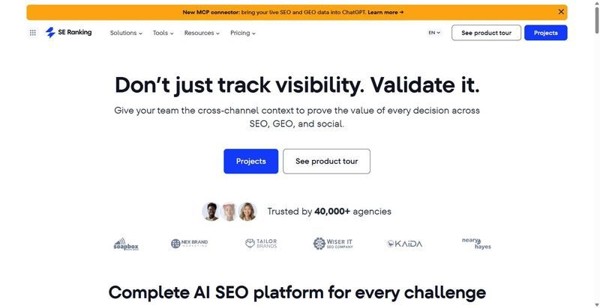
Best for: Teams that want one platform to anchor the whole stack, from daily rank checks to client-ready reporting.
SE Ranking has quietly grown from a rank tracker into a genuine all in one seo software platform – the kind you can hand to an in-house lead and an agency account manager and have both find their footing without cobbling tools together.
Why it works: One platform covers rank tracking, keyword and competitive research across SEO, PPC, and AI search, a site audit running 115+ checks, on-page tools, content marketing, local, and white-label agency reporting. Under that sits 188 geo databases, a 5.5B keyword database, and a 2.7T backlink index – with API and MCP access included on every plan, not gated behind an enterprise tier.
Standout: The AI Results Tracker monitors visibility across ChatGPT, Gemini, Perplexity, AI Overviews, and AI Mode right beside your classic rankings – which puts it among the best ai seo tools for measuring where you surface in AI answers, not just on the tenth blue link.
Pros:
- One login for the full workflow – research, audit, tracking, reporting
- AI and classic search visibility tracked side by side
- API and MCP on every plan, so data flows into your own systems
- White-label reporting built for agency client delivery
Cons:
- Some agency features, including White Label, are a paid add-on
- No automated cross-channel correlations inside the platform, though they’re reachable via MCP
- A few databases run smaller than the largest competitors’ indexes
Pricing: Core is $129/mo ($103.20/mo billed annually); Growth is $279/mo ($223.20/mo annual). API and MCP are included on every plan. The Agency Pack starts at $69/mo billed annually. A 14-day trial runs without a card. See SE Ranking for current tiers.
The story it tells: This is the platform to build a stack around if you want breadth and AI-search visibility under one roof – just budget for the add-ons if white-label reporting is central to how you deliver.
2. Ahrefs
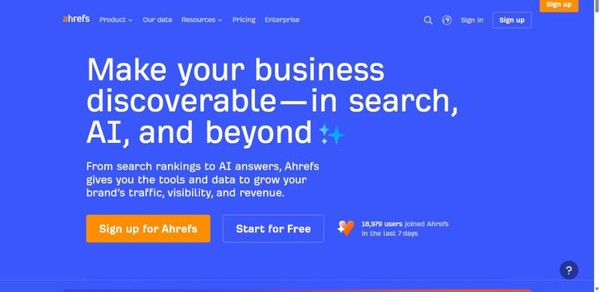
Best for: the deepest, freshest backlink index.
Ahrefs built its reputation on link data, and that lineage still shapes the product. When you need to see who links to a page, how quickly those links appeared, and where a competitor’s authority actually comes from, this is the tool teams reach for first.
Standout: Site Explorer and Content Explorer are unusually granular, and the link-gap analysis makes competitive research feel concrete rather than theoretical. Brand Radar, the newer AI-visibility layer, arrives as a paid add-on.
Cons: the leap from the $29 Starter plan to the $129 Lite tier is steep, and tracked-keyword and export caps feel tight once your work gets heavier.
Pricing: Lite $129/mo, Standard $249, Advanced $449, Enterprise $1,499, with 750, 2,000, and 5,000 tracked keywords respectively; extra seats run $40-100/mo; no free trial.
The story it tells: a specialist’s instrument that rewards teams whose questions start with links.
3. Semrush
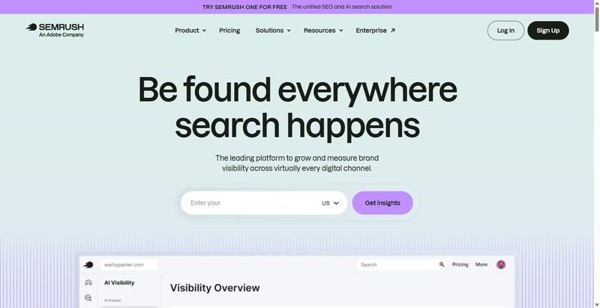
Best for: the widest all-round toolkit and keyword database.
Semrush is the platform that tries to hold every discipline at once, from keyword research to site health to content planning. For teams that want one login covering most of their day, the breadth is the argument.
Standout: the Keyword Magic Tool remains a genuinely large database, and site audit, rank tracking, and content workflows sit alongside AI brand-visibility tracking that is built in rather than bolted on.
Cons: it carries the highest entry price among the all-in-ones, backlink freshness tends to trail Ahrefs, and the steady stream of add-on upsells can make the real cost harder to pin down.
Pricing: SEO $139/mo, Starter $199, Pro+ $299, Advanced $549; API access unlocks on Advanced; extra users from $45/mo.
The story it tells: a sprawling command center for teams who value coverage over focus, and can budget for it.
4. Moz Pro
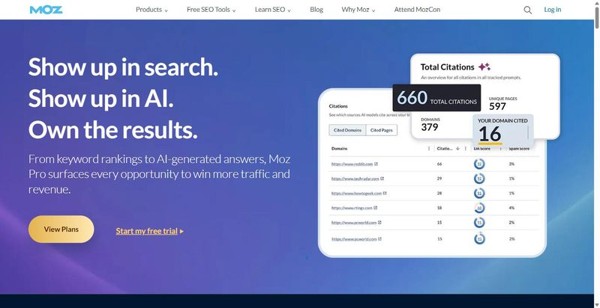
Best for: the DA/PA authority benchmarks stakeholders already recognize.
Moz’s real currency is shared vocabulary. When a client or an exec asks how strong a domain is, Domain Authority and Page Authority give you a number everyone in the room already understands, which makes reporting conversations shorter.
Standout: alongside DA, PA, and the newer Brand Authority score, you get the MozBar for quick in-browser checks, a well-regarded Keyword Explorer, and AI-visibility dashboards that have started to mature.
Cons: the keyword and backlink datasets are smaller than what Semrush or Ahrefs maintain, and crawl and keyword limits feel modest on the lower tiers, so heavier programs outgrow them.
Pricing: four tiers at $49, $99, $179, and $299/mo; extra seats $49/mo.
The story it tells: an approachable platform that earns its place through recognized metrics rather than sheer data volume.
Tier 2: The specialists worth adding when depth matters
An all-in-one platform will handle the vast majority of your day-to-day work, and for most teams that’s the whole story. But every so often a single job runs deeper than a generalist can reach, and that’s when a purpose-built tool earns its place beside your main stack. The three below aren’t platforms to run your program on; they’re precision instruments you reach for when one task demands more depth than breadth can offer.
5. Screaming Frog SEO Spider
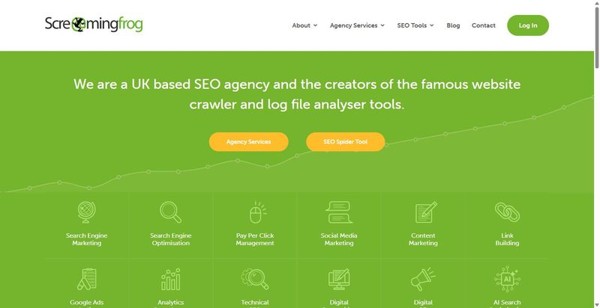
Best for: deep desktop technical crawls.
Ask a technical SEO which tool they open first to diagnose a site, and Screaming Frog is the name that keeps coming up. It’s the reference crawler for tracing redirect chains, surfacing broken links, catching duplicate content, and validating structured data, one URL at a time.
Standout: on the paid tier it adds scheduling, JavaScript rendering, and Google Analytics and Search Console integrations, so the raw crawl connects to real performance data.
Cons: it’s desktop-only, which means your machine’s memory sets the ceiling on how much you can crawl. The interface rewards patience over first impressions, and it was never meant to be a keyword or rank-tracking suite.
Pricing: free for up to 500 URLs; the full version is £199 per year per user (roughly $259).
The story it tells: when the question is “what’s technically wrong here,” this is the flashlight you take into the crawl.
6. Majestic
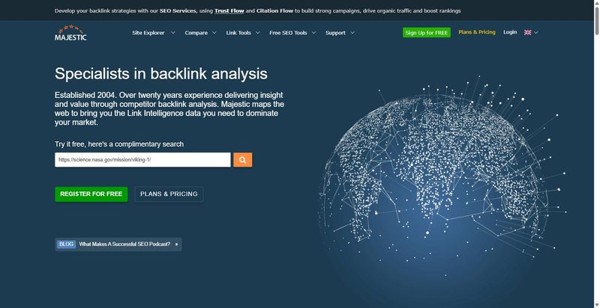
Best for: deep, historic backlink intelligence.
Majestic has spent years building one thing exceptionally well: a picture of the web’s link graph that stretches back through time. If your work hinges on understanding a link profile in real depth, it’s a specialist worth knowing.
Standout: its proprietary Trust Flow and Topical Trust Flow scores judge links by quality and subject relevance, not just volume, backed by one of the largest historic link indexes going. Tools like Clique Hunter and the visual Link Graph turn that index into something you can actually interrogate.
Cons: it does backlinks and nothing else, so you won’t find rank tracking, keyword research, or site audits here. The interface feels dated, and the unit and row limits take a little learning to work around.
Pricing: Lite runs $49.99 a month, Pro $99.99, and the API plan $399.99.
The story it tells: narrow by design, but few tools read a link history this closely.
7. Serpstat
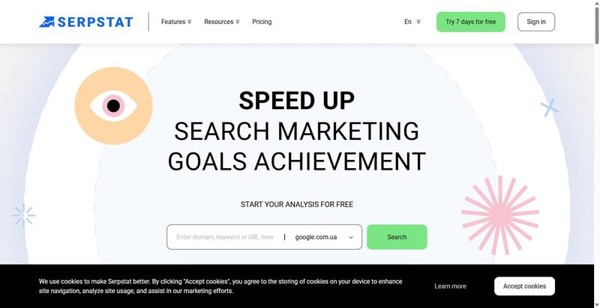
Best for: broad essentials in one lower-cost tool.
Serpstat sits at an interesting angle for this tier: it’s a generalist that competes on price. If you want keyword research, rank tracking, site audits, and backlink analysis under a single, gentler bill, it gathers the fundamentals in one place.
Standout: it has moved with the times, adding ChatGPT and Claude MCP integration and an AI Overview brand-opportunities report that flags where your brand could surface in AI-generated answers.
Cons: the trade-off shows in the data itself, where database depth and freshness trail the market leaders. JavaScript rendering in Site Audit only unlocks from the Team plan upward, so smaller plans see a partial picture.
Pricing: Individual is $50 a month, Team $100, Team x2 $169, and Agency $410, with white-label on Agency and API access from Team.
The story it tells: a capable, budget-conscious all-rounder, best judged on how far its data depth carries your particular work.
Tier 3: The free tools no stack should skip
Whatever you spend on the tiers above, two Google tools earn a permanent seat in every serious stack. They don’t estimate, model, or approximate the way third-party suites must; they report what Google itself sees. When a paid tool and one of these disagree, this is the ground truth you check against.
8. Google Search Console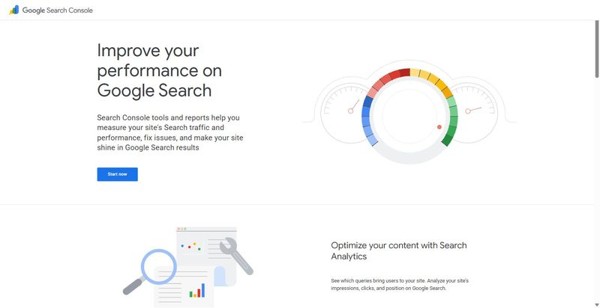
Best for: real first-party Google click, impression, and indexing data.
Every other tool in this guide infers your Google performance. Search Console is the only place you see it directly, straight from the source.
Standout: It’s the single source of true Google performance data. You get index coverage reports, URL inspection to diagnose why a page isn’t ranking, Core Web Vitals monitoring, and sitemap submission, backed by roughly 16 months of history to track trends over time.
Cons: It only covers sites you’ve verified, so there’s no competitor visibility and no keyword-difficulty scoring. The data is also sampled and delayed, which means it’s a reference point rather than a real-time dashboard. Pair it with a paid suite for the fuller picture.
Pricing: Free.
The story it tells: This is what Google actually thinks of your site, unfiltered by any vendor’s estimates.
9. Google PageSpeed Insights
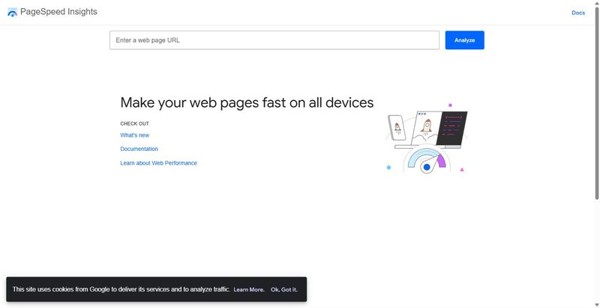
Best for: checking Core Web Vitals and diagnosing page performance.
When a page feels slow and you need to know exactly why, this is where you go before you touch a line of code.
Standout: Powered by Lighthouse, it combines lab testing with real-world field data, scoring loading speed, interactivity, and visual stability. Better still, it doesn’t just grade the page; it hands you concrete, prioritized fixes to work through.
Cons: It examines one URL at a time and stays strictly in its lane, so there’s no keyword, ranking, or backlink data anywhere in sight. Treat it as a focused diagnostic, not a suite you run your whole strategy from.
Pricing: Free.
The story it tells: It shows you precisely where a page loses users to speed and stability, and what to fix first.
How to assemble your stack
Think of a stack as one anchor plus a few deliberate additions, not a shelf of subscriptions. Start with a single Tier-1 platform: it carries keyword research, rank tracking, site audits, and backlink analysis in one place, so most of your recurring work never leaves it. Then add the two free Tier-3 essentials every time, no exceptions. Google Search Console gives you the query and indexing data no third-party tool can replicate, and PageSpeed Insights grades Core Web Vitals against Google’s own thresholds. Only then reach into Tier 2, and only when a named job demands it: a full technical crawl of a large site, or a deep dive into historic backlink data.
For most agency and in-house teams, SE Ranking is the Tier-1 anchor worth defaulting to, because it covers the widest span before you need to add anything else. Among the best seo tools on the market, that breadth is what keeps your stack small.
Skip it if: don’t buy Majestic reflexively unless backlink intelligence is a core, ongoing focus, and never stack two all-in-one platforms – you’ll pay twice for the same features.
Start with one platform and the free tools. Add specialists as the work demands.
Frequently asked questions
Q. Which SEO tools are worth paying for, and which should stay free?
A. Pay for the one all-in-one platform that replaces several point tools: keyword research, rank tracking, audits, and backlinks under a single subscription. That consolidation is where paid tools earn their cost, often standing in for three or four separate products. Keep Google Search Console and PageSpeed Insights free forever; there is no paid version worth buying, and both draw on Google’s own data.
Q. Do you still need specialist SEO tools if you have an all-in-one platform?
A. Usually not by default. A specialist like Screaming Frog or Majestic earns its place only when you have a recurring deep job the platform handles at a shallower level: crawling hundreds of thousands of URLs, or interrogating historic backlink profiles. If that job comes up once a quarter, borrow a trial rather than hold a licence.
Q. Which free SEO tools are genuinely worth using?
A. Google Search Console and PageSpeed Insights, without qualification. Search Console reports your actual impressions, clicks, and indexing status straight from Google. PageSpeed Insights scores Core Web Vitals against the same thresholds Google applies. They are essential but partial, giving you your own data and nothing about competitors.
Q. When should a team upgrade from free tools to a paid SEO platform?
A. Upgrade the moment you need data the free tools structurally can’t provide: competitor keyword and ranking visibility, search volume estimates, or client-ready reporting. Free tools show only your own properties, so once the work depends on comparing against rivals or reporting to stakeholders, a paid platform stops being optional.
To read more content like this, explore The Brand Hopper
Subscribe to our newsletter