Last Updated on May 27, 2026 by Team TBH
Most construction projects don’t fall apart because of bad workers. They fall apart because nobody has a clear picture of the schedule. Construction Timeline Management Tools exist precisely to solve that problem, and yet picking the right one still trips up experienced project managers every week. Cascading delays, subcontractors stepping on each other’s timelines, and field crews working off outdated plans are all symptoms of the same underlying issue. After reviewing dozens of platforms across real construction environments, this guide breaks down five tools worth your attention.
How this ranking was put together
Each option was assessed using publicly available information pulled from review platforms, official product pages, case studies, and directory listings. Only platforms with a demonstrated track record in construction software made the cut, with particular weight given to tools that show real results across complex project environments.
- Planera – Best for construction project scheduling and planning
- com – Best for team collaboration and customizable project management
- Autodesk Construction Cloud – Best for construction project management and connected construction workflows
- Wrike – Best for enterprise project and workflow management
- Procore – Best for enterprise construction management and large-scale project coordination
Why Construction Timeline Management Tools Are Worth a Closer Look
Picking the right scheduling tool is one of those decisions that pays off quietly when things go well, and very loudly when things go wrong.
When one trade phase slips, everything downstream moves with it. Without a tool that shows those dependencies clearly, project managers are reacting instead of planning. Coordinating subcontractors and suppliers on overlapping timelines adds another layer of difficulty that spreadsheets simply can’t handle at scale.
Well-chosen tools let teams track Schedule Performance Index (SPI) in real time, close the gap between planned and actual completion percentages, and catch schedule delays before they compound. The right choice doesn’t just keep a project organized. It changes how consistently a team delivers on time.
Comparing the 5 Best Construction Timeline Management Tools
Note: All data in this table is sourced from review platforms and the official websites of the listed companies.
| Company Name | Years Operating | Team Size | Headquartered In |
| Planera | Since 2021 | 49 | Not disclosed |
| Workyard | Since 2015 | 50 | Walnut, California |
| monday.com | Since 2012 | 2,508 | Tel Aviv, Israel |
| Autodesk Construction Cloud | Since 2019 | Not disclosed | San Francisco, CA |
| Wrike | Since 2006 | 1,000+ | San Jose, CA |
| Procore | Since 2002 | 4,421 | Carpinteria, CA |
1. Planera – Best for Construction Project Scheduling and Planning
What Services Are Offered by Planera?
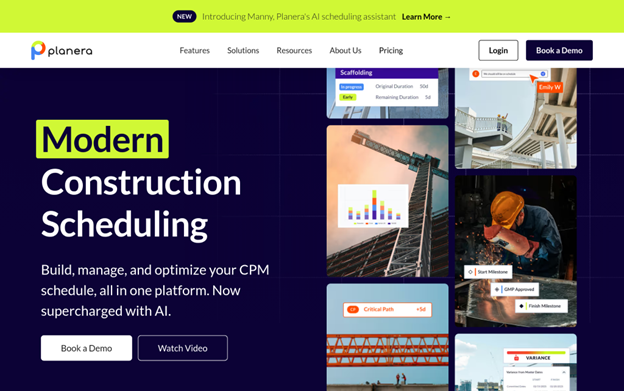
Planera builds collaborative CPM scheduling software designed for construction teams who need to move fast without relying on a full-time scheduling expert. Teams can put together resource and cost-loaded schedules on a digital whiteboard interface that feels nothing like the old tools. The platform at https://www.planera.io/ connects directly with Procore, Autodesk, Primavera P6, and Microsoft Project, which makes it genuinely practical for teams already running those stacks. With over 500 live projects across customers, including Granite, Barton Malow, and Blach Construction, the traction is real.
Why Does Planera Stand Out for Construction Timeline Management Tools?
Most scheduling tools demand either deep technical knowledge or hours of manual setup before they’re useful on an active project. Planera closes that gap with an interface that general contractors and field teams can actually use together in real time. The combination of CPM scheduling depth with a whiteboard-style UX is rare in this space, and that’s exactly why teams with complex timelines keep gravitating toward it.
What Users Are Actually Saying:
Users consistently point out how quickly teams can get a schedule built without needing a Primavera specialist in the room. The real-time collaboration between office and field comes up repeatedly as a practical differentiator. Honestly, the feedback pattern suggests that Planera earns its place not just as scheduling software, but as a communication layer for the whole project team.
2. Workyard – Best for GPS Time Tracking, Job Costing, and Construction Crew Management
What Services Are Offered by Workyard?
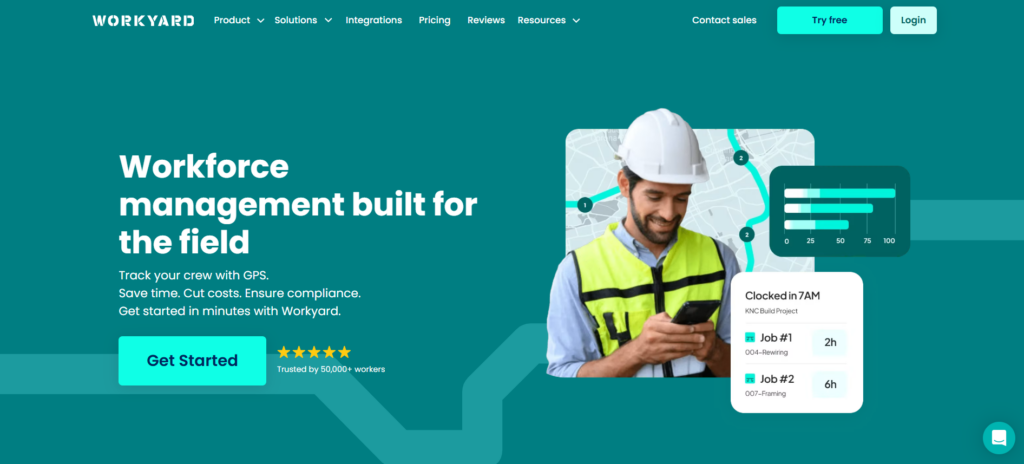
Workyard is a construction-focused workforce management platform built around highly accurate GPS time tracking and job costing. It is designed for contractors and crews dealing with multi-site operations, payroll complexity, and time tracking disputes. The platform at https://www.workyard.com/ provides a mobile-first system that captures real-time GPS entry and exit timestamps for each jobsite, helping teams eliminate guesswork around hours worked.
Beyond time tracking, it also supports scheduling, payroll integrations, and automated pay rule calculations, making it especially useful for construction companies that need accurate labor cost visibility across multiple projects.
Why Does Workyard Stand Out for Construction Workforce Management Tools?
Most time tracking tools struggle with construction-specific realities like job hopping, offline sites, and complex overtime rules. Workyard focuses specifically on solving those issues with real-time GPS tracking, automatic job switching prompts, and built-in construction payroll logic.
Its biggest advantage is accuracy: instead of relying on manual timesheets or delayed clock-ins, Workyard records precise entry/exit timestamps and ties them directly to jobs and tasks. This makes it especially valuable for contractors who need defensible labor data for billing, payroll, and compliance.
What Users Are Actually Saying:
Users consistently highlight how accurate the GPS tracking is compared to generic time clock apps. Field crews often point out that the mobile app is simple enough to use on the go, while office teams appreciate the reduction in payroll disputes and missing time entries.
At the same time, some users mention that onboarding field crews can take time, especially when introducing GPS tracking policies. There are also notes that higher-tier plans can be more expensive than basic time tracking tools, but many teams find the tradeoff worth it for the accuracy and payroll reliability.
What Are Workyard’s Key Features?
- Real-time GPS timestamps for exact entry/exit at each jobsite
- Job and task-level cost coding with automatic switch prompts
- Scheduling with crew assignments and job locations
- Timesheet issue flags for missed switches or incomplete entries
- Automatic overtime and state-based pay rule calculations
- Offline time and GPS tracking for low-signal sites
- Payroll integrations (QuickBooks Online/Desktop, ADP, Gusto, Sage)
- Photo ID verification and kiosk mode for shared devices
How Much Does Workyard Cost?
- Free Trial: 14 days (no credit card required)
- Starter: $6/user/month + $50 base
- Pro: $13/user/month + $50 base
What is Workyard Best For?
Workyard is best for multi-site contractors, subcontractors, prevailing wage projects, and time & materials (T&M) construction work where accurate labor tracking and job costing are critical.
3. monday.com – Best for Team Collaboration and Customizable Project Management
What Services Are Offered by monday.com?
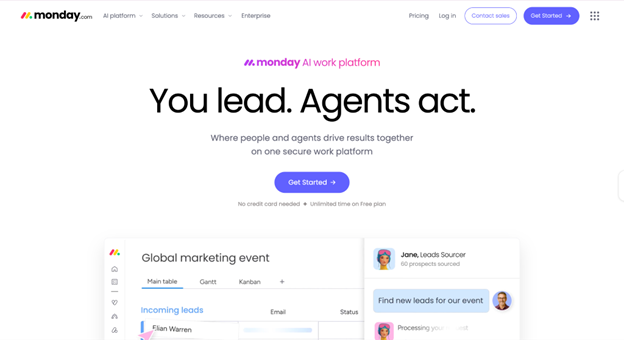
monday.com is a modular work operating system that covers project management, CRM, development workflows, service desk management, and digital whiteboards through WorkCanvas. The platform serves over 152,000 customers across 200 countries, and its open API means construction teams can build customized workflows without writing a line of code. For construction environments that need cross-functional coordination between procurement, scheduling, and site management, the customization depth is a genuine advantage. (Think enterprise-level flexibility at a mid-market entry point.)
Why Does monday.com Stand Out for Construction Timeline Management Tools?
Construction teams often struggle to keep office workflows in sync with field activity, and monday.com’s visual work management approach gives both sides a shared view of project status without requiring separate tools for each department. Being named a Leader in the Gartner Magic Quadrant for Adaptive Project Management four consecutive years shows this isn’t a platform that’s standing still.
What Users Are Actually Saying:
Users appreciate how quickly teams can spin up new project boards without needing IT support. The visual layout gets called out frequently as something that cuts down on email chains and improves accountability. A common theme across reviews is that monday.com works best when a team invests time upfront building the right templates, and that setup pays off fast.
4. Autodesk Construction Cloud – Best for Construction Project Management and Integrated Construction Workflows
What Services Are Offered by Autodesk Construction Cloud?
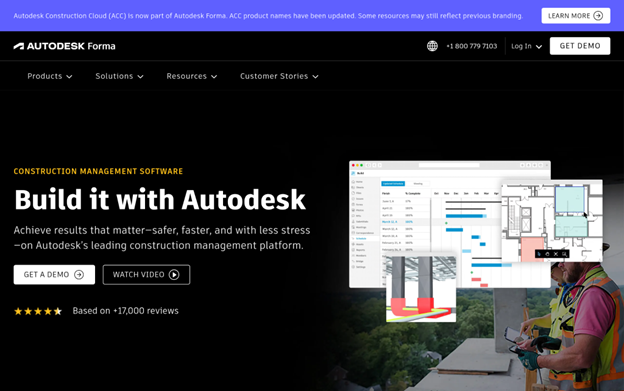
Autodesk Construction Cloud, now part of Autodesk Forma, covers the full construction lifecycle from design and planning through building and operations. The platform handles project management, cost management, safety management, BIM coordination, and bidding through its BuildingConnected connection, which brings in nearly one million subcontractors. With adoption across over two million construction jobs worldwide, the scale of this platform is hard to match. Case studies cite 97.8% on-time and on-budget delivery rates for teams using it consistently. (That kind of track record is hard to argue with.)
Why Does Autodesk Construction Cloud Stand Out for Construction Timeline Management Tools?
Teams running large, complex projects often find that disconnected tools create gaps between design intent and what actually gets built on site. Autodesk Construction Cloud closes those gaps by keeping design, scheduling, and field data inside one connected system. The 2023 Technology Solution Award from The Inside Construction Foundation reflects how measurable those results are across financial, safety, and environmental outcomes.
What Users Are Actually Saying:
Users on complex commercial and infrastructure projects tend to point to clash detection and accurate quantity take-off as the features that save the most time. The depth of connection between BIM and project management gets called out as something general software simply can’t replicate. Honestly, the feedback suggests the learning curve is real, but teams that commit to the platform see meaningful gains in schedule accuracy.
5. Wrike – Best for Enterprise Project and Workflow Management
What Services Are Offered by Wrike?
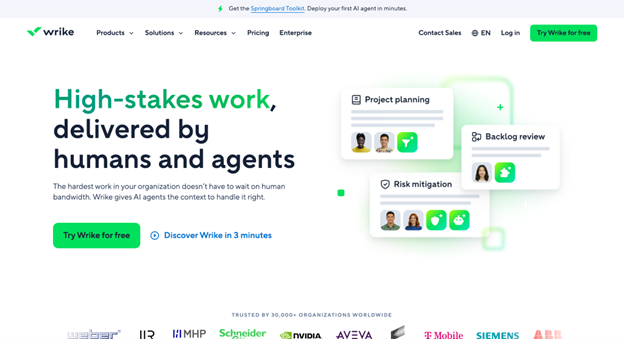
Wrike is a project management platform built for organizations managing complex, multi-team workflows at scale. Interactive Gantt charts, workload views, time tracking, and customizable data tables give construction teams the visibility they need across concurrent project timelines. The platform connects with 400+ applications, including Salesforce, Slack, and Zoom, and its automation tools help teams cut email volume and increase productivity. (Not cheap at the enterprise tier, but worth it for large GCs managing multiple active projects.) Over 20,000 companies use it globally, including Siemens and Estee Lauder.
Why Does Wrike Stand Out for Construction Timeline Management Tools?
Managing dependencies across multiple subcontractors and overlapping project phases requires more than a shared task list. Wrike’s enterprise-grade workflow engine handles that level of difficulty without forcing teams into rigid structures. That kind of configurability is rare, especially when it comes paired with a 400-app connection ecosystem that construction teams can plug into their existing tech stack.
What Users Are Actually Saying:
Reviews from large teams consistently call out the Gantt chart functionality and workload views as practical day-to-day tools that hold up under real project pressure. The 2024 TrustRadius Top Rated recognition across 14 categories lines up with what reviewers say about reliability. From what the feedback shows, Wrike performs best for construction organizations that need a centralized hub across departments, not just a single-project tracker.
6. Procore – Best for Enterprise Construction Management and Large-Scale Project Coordination
What Services Are Offered by Procore?
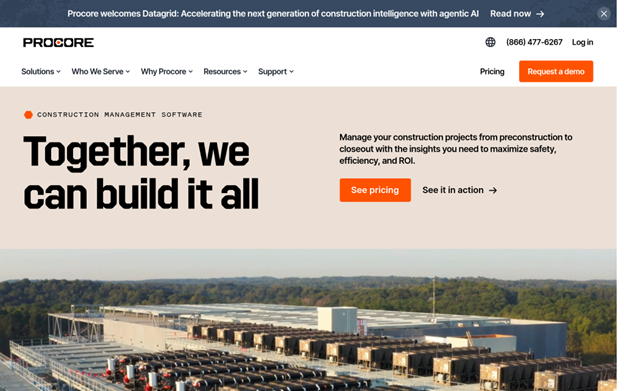
Procore is purpose-built construction management software covering preconstruction, project management, workforce management, financial management, and analytics in one platform. With over 2 million users across 3 million projects in 150+ countries, the adoption numbers tell a clear story about market trust. The Helix platform includes Copilot for document retrieval and summarization, plus Agents that automate RFI management, scheduling tasks, and submittal workflows. Procore’s unlimited user model removes a common friction point for large GCs coordinating dozens of subcontractors on a single project.
Why Does Procore Stand Out for Construction Timeline Management Tools?
Large-scale construction projects generate enormous volumes of RFIs, change orders, and schedule updates that manually managed systems simply can’t keep pace with. Procore’s automation layer addresses that directly by reducing the manual processing load on project teams. SelectHub’s recognition of Procore as best-in-class across mobile, financials, safety, bidding, and connections reflects a platform that has earned trust across every phase of the construction lifecycle.
What Users Are Actually Saying:
Users on large commercial and infrastructure projects frequently call out the financial management and mobile field capabilities as the features that deliver the most day-to-day value. The depth of connection across the App Marketplace gets mentioned regularly as something that cuts down on duplicate data entry. From what the reviews show, teams that run Procore as their central platform, rather than one of several tools, get the strongest results.
Methodology Behind These Picks
Gathering Information for Your Analysis
Building the initial list started with a wide sweep across construction software directories, professional review platforms, product comparison sites, and publicly available case studies. The goal was to surface every tool with meaningful presence in the construction scheduling and timeline management space, not just the names that appear most often in paid placements. Sources included established review aggregators, contractor forums, and the official product pages of each platform. That raw list was deliberately broad so the shortlisting stage could do the actual filtering work.
The Shortlist Cut
From the broader list, options without verifiable records in construction software were removed early. Platforms with thin or unverifiable review histories, tools that hadn’t been updated meaningfully in recent years, and products lacking evidence of adoption by real construction teams all dropped out at this stage. Review patterns were analyzed across multiple platforms to look for consistency, not just volume. A handful of strong reviews on one site carries less weight than consistent feedback patterns across several independent sources over time.
Fact-Checking the Picks
Every claim made on a company’s official website was cross-referenced against independent reviews, case studies, and third-party coverage. Where a company stated a specific outcome (faster project delivery, fewer delays, improved SPI), the research looked for corroborating evidence from real client results rather than accepting marketing copy at face value. Discrepancies between stated capabilities and actual user experience were flagged during this stage, and any platform where those gaps were major didn’t survive to the final list.
Authority Signals and Industry Standing
Platforms were also assessed for signs of recognized standing within the broader construction and project management industries. This included awards from credible industry organizations, recognition in analyst reports from firms like Gartner and TrustRadius, coverage in trade publications, and a funding history that indicates sustained investment in product development. These signals don’t guarantee quality on their own, but they do indicate that a platform has earned attention from people who evaluate software for a living, and that context matters.
Construction Timeline Management Tools Track Record
The final filter focused on evidence of performance in the construction timeline management space. Platforms needed to show dedicated service areas, verified reviews from construction professionals, and case studies tied to real scheduling outcomes. Generic project management tools without meaningful construction-specific deployment evidence were excluded, even if the product itself was technically capable. The tools that made this list all show clear alignment between what they offer and what construction teams actually need when managing complex, multi-phase project schedules.
Picking the Right Construction Timeline Management Tools for You
Choosing between these platforms depends heavily on where your team feels the most friction right now. A mid-size general contractor managing three concurrent projects has different needs than an enterprise GC running a $500M infrastructure job. Here’s what to weigh before committing.
- Industry and Domain Experience: Look for tools with verified adoption by contractors and project managers at your scale. Generic platforms can work, but purpose-built construction software reduces the customization burden.
- Features and Services: Match the feature set to your actual workflow. CPM scheduling, Gantt views, look-ahead planning, and change order tracking all serve different functions. Don’t pay for capabilities your team won’t use.
- Pricing Structure: Understand whether pricing is per seat, per project, or unlimited users. For large teams coordinating many subcontractors, unlimited user models can be significantly more cost-effective.
- Results Measurement: Check whether the platform gives you visibility into Schedule Performance Index, planned vs. actual completion, and subcontractor on-time delivery rates. If you can’t measure it, you can’t manage it.
- Industry Knowledge and Contract Schedule Adherence: Confirm the platform supports your specific contract requirements, including OSHA reporting needs and PMBOK scheduling guidelines, so you’re not building workarounds from day one.
The Verdict
The best construction timeline management tool is the one your team will actually use consistently under project pressure. Planera stands out for scheduling depth and ease of collaboration. Procore and Autodesk Construction Cloud carry the weight for large enterprise workflows. monday.com and Wrike bring flexibility for teams that need cross-functional visibility. As projects grow more complex and timelines tighten, the gap between teams using purpose-built scheduling tools and those still managing in spreadsheets will keep widening.
To read more content like this, explore The Brand Hopper
Subscribe to our newsletter